Now Playing Card Generator
Search a song, choose a look, and save a card to share. Free, with no sign-up.
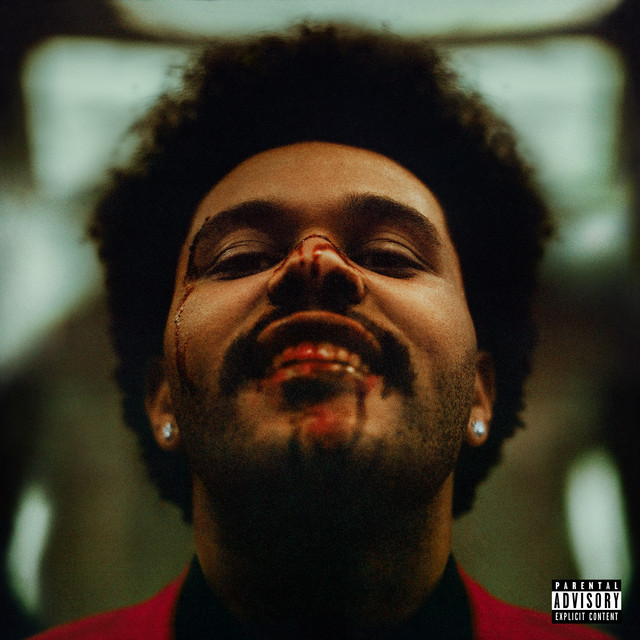
Blinding Lights
The Weeknd
After Hours
Style
Preview

Blinding Lights
The Weeknd
Export is 1572×3408px PNG
Glassy · iPhone
Make these on your phone.
The same vinyl, CD and now-playing cards, as stickers you drop onto your own photos — filled in by whatever you are actually playing, rather than a song you typed in.
- Vinyl, CD case, now playing, playlist
- 30+ templates
- Every layer editable
Now Playing styles
iOS Player
apple music style mockup, now playing screen generator
Full-screen Apple Music inspired player art. Best when you want a polished editorial share image instead of a raw screenshot.
Lock Screen
iphone lock screen music widget, lock screen mockup
Place the track inside an iPhone lock screen layout with large album art and a realistic playback widget.
Control Center
control center music card, iphone music control center
Use a Control Center style music card for a more native, screenshot-like share format with system chrome already baked in.
Aesthetic and Stats
music card generator, spotify style share image
Keep it simple with a blurred glass card or a clean dark player UI for fast square and story exports.
When to use a Now Playing generator
Share what you're listening to
Promote a track or playlist
Start a richer visual workflow
How it works
- 1.Search for any song from the Spotify catalog.
- 2.Choose a visual format such as iOS Player, Lock Screen, Control Center, Aesthetic, or Stats Card.
- 3.Adjust the export format when the style supports square and story output.
- 4.Preview the result, then download the PNG or prepare it and open the share menu on your phone.
Frequently asked questions
- How do I make a Now Playing card?
- Search for a song, pick a style, and choose a format when available. On a computer, click Download PNG. On a supported phone, tap Prepare image, then Save or share image to choose Save Image or an app. Open PNG and Download PNG are also available after preparation.
- Do I need a Spotify account or to sign in?
- No. The tool is completely free and requires no sign-up. Song search is powered by the Spotify catalog, but you don't need a Spotify account to use it.
- Which platforms is this sized for?
- Square (1080×1080px) works for Instagram Feed, Twitter/X, and Discord. Story (1080×1920px) is sized for Instagram Stories, TikTok, and Xiaohongshu vertical posts. The iOS Player, Lock Screen, and Control Center styles also export at their own mockup-native vertical sizes.
- What's the difference between the styles?
- iOS Player, Lock Screen, and Control Center are mockup-based styles that recreate Apple interface patterns. Aesthetic uses a blurred, darkened version of the album cover as the background with a frosted glass card. Stats Card is a dark player UI with a progress bar, closer to a Spotify screenshot but much cleaner.
- Can I remove the TuneArt watermark?
- The free version includes a small 'TUNEART' mark in the corner. We plan to offer watermark-free exports for TuneArt members in the future.
More free tools
Album Mockup
Turn a square cover into vinyl and CD presentation visuals.
My Top Albums
Import Last.fm listening history and export a clean collage.
Layout Studio
Arrange covers, mockups, and track cards on a freeform canvas.
Lyric Card
Set a couple of lines as a square or story image, cover optional.
BPM & Key
Read a track's tempo and key in the browser, without uploading it.
Soundwave Art
Draw a recording as a print-sized waveform poster, in the browser.
Cover Quiz
Name ten 2000s albums from covers that sharpen as the clock runs.
90s Quiz
The same game, drawn from the sleeves of 1990 to 1999.
80s Quiz
The same game, drawn from the sleeves of 1980 to 1989.