The AI music
video maker
Your song as a music video, cut on the beat with your lyrics on screen.

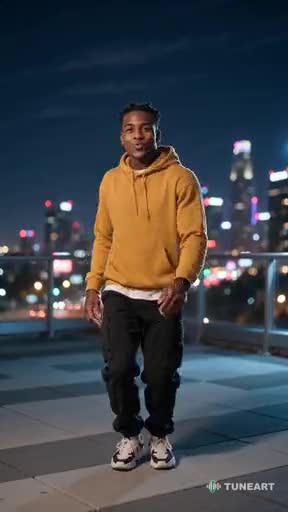
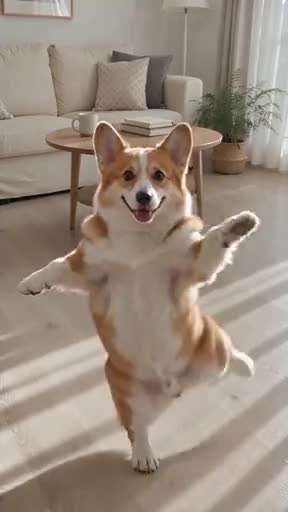
You never have to.
The whole song.
Up to four minutes.
Not just the chorus: a music video from the first second to the last. We hear the verses, choruses and bridge, write one story across them, and cut a new shot about every three seconds, with your lyrics on screen.
- 1 MIN · 20 SHOTS · 124 CREDITS
- 4 MIN · 80 SHOTS · 484 CREDITS
- READY IN 15–30 MINUTES · WE EMAIL YOU
Then one tap makes its release kit: vertical teasers of the chorus, a promo teaser and a Spotify Canvas. What's in a release kit →
Make a whole-song videoHow it works →One song.
Four videos to make.
Start with any song, pick what to make, switch any time. The song and its hook stay put.
From song to video
in four taps
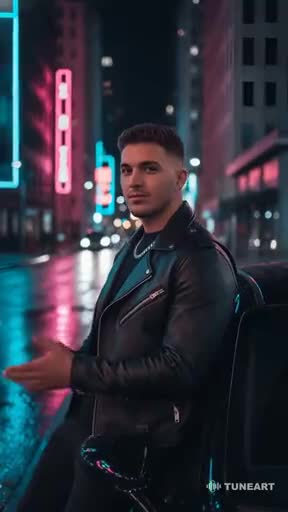
 City Lights (Windows Down)Synth-pop · night driveUsing
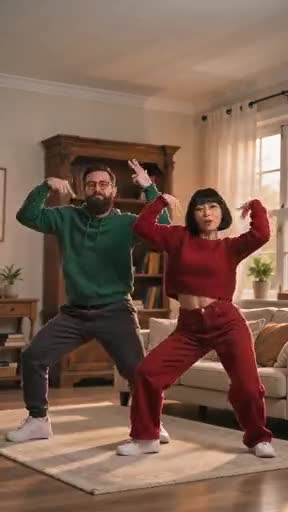
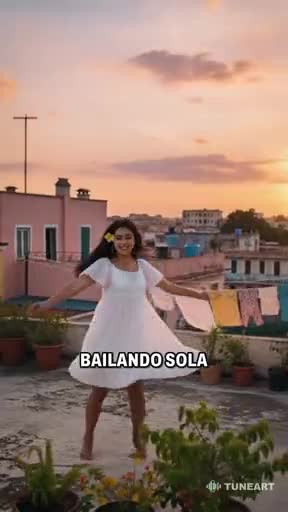
 Golden Hour RooftopWarm R&B · summer eveningUse
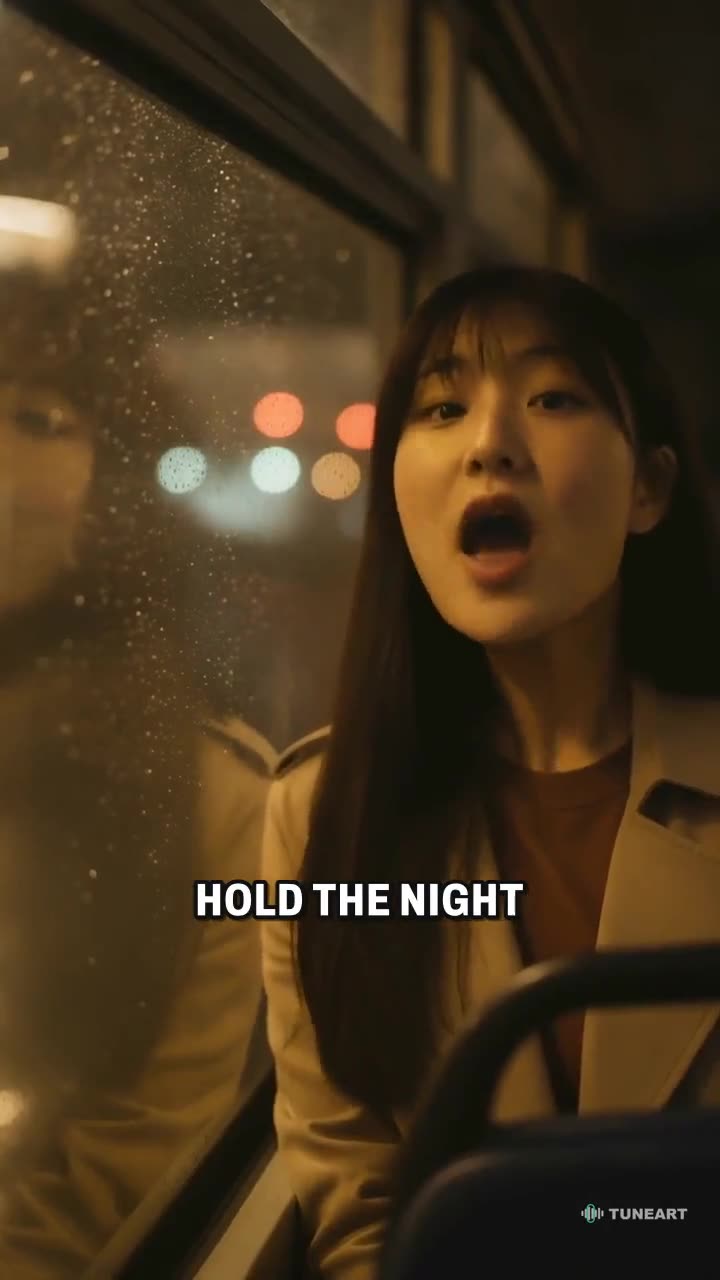
 Last Bus HomeIndie rock · rainy nightUse
Built around the beat
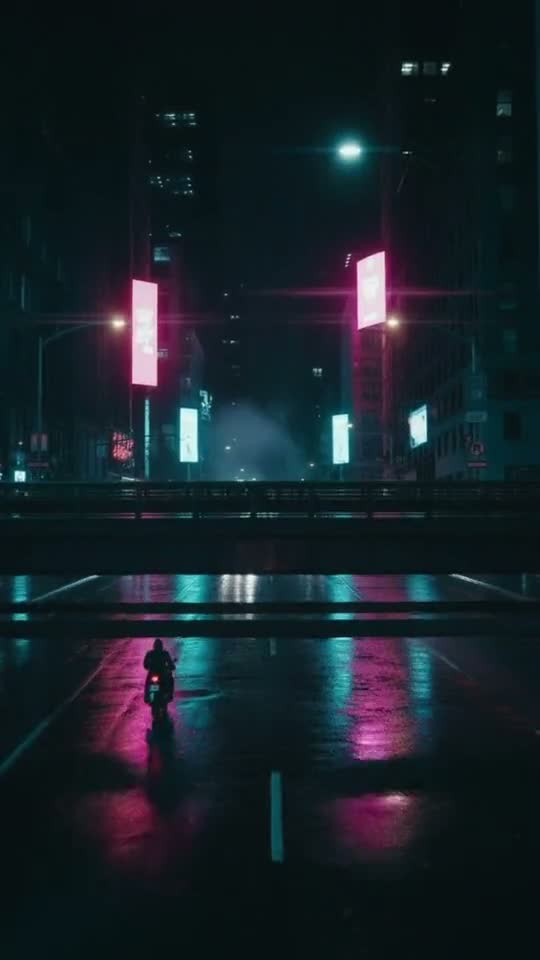
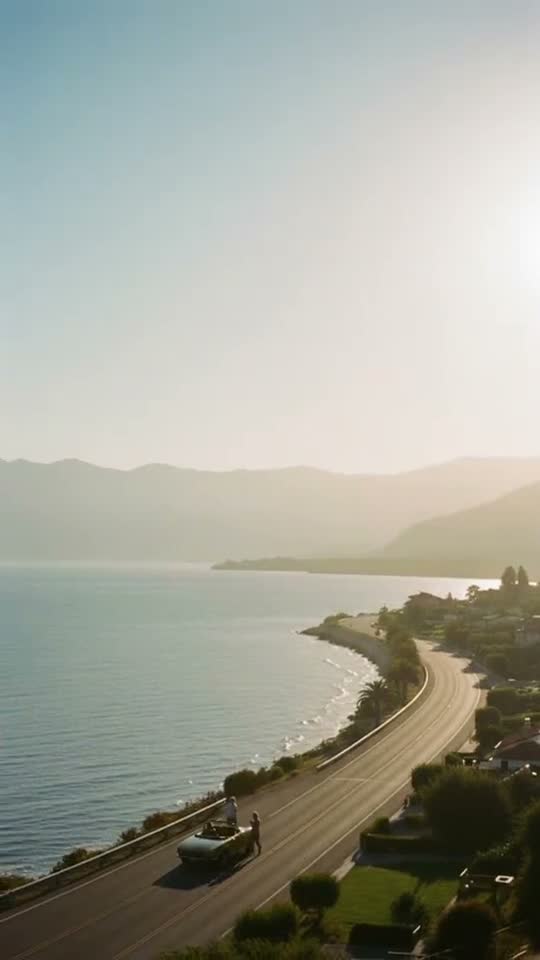
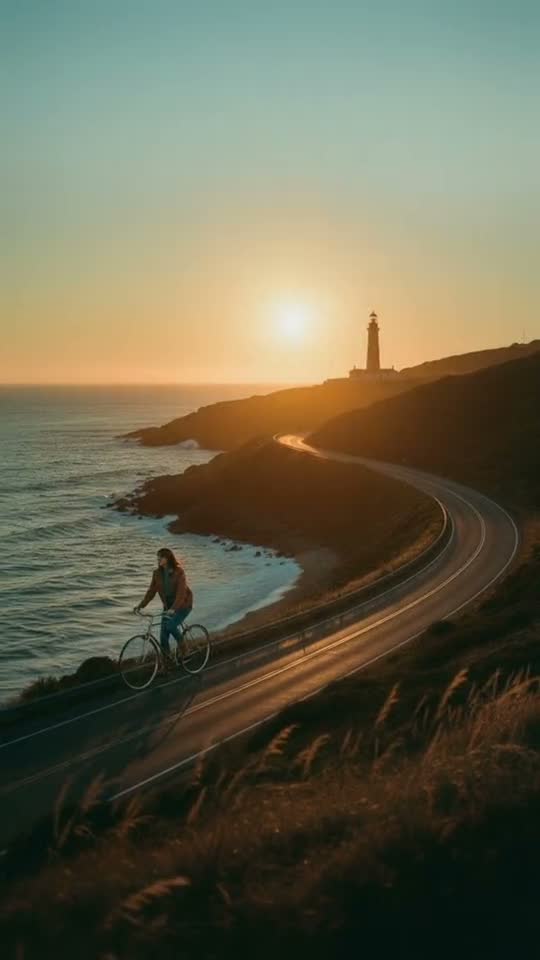
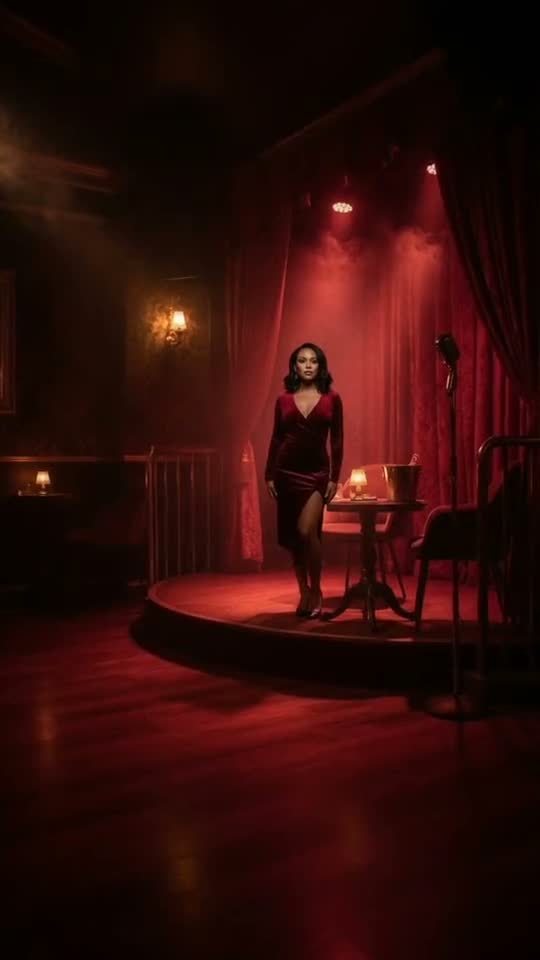

Cut on the beat
Every cut lands on a downbeat and every shot fills whole bars. It sounds edited, because it is.
Make a free video →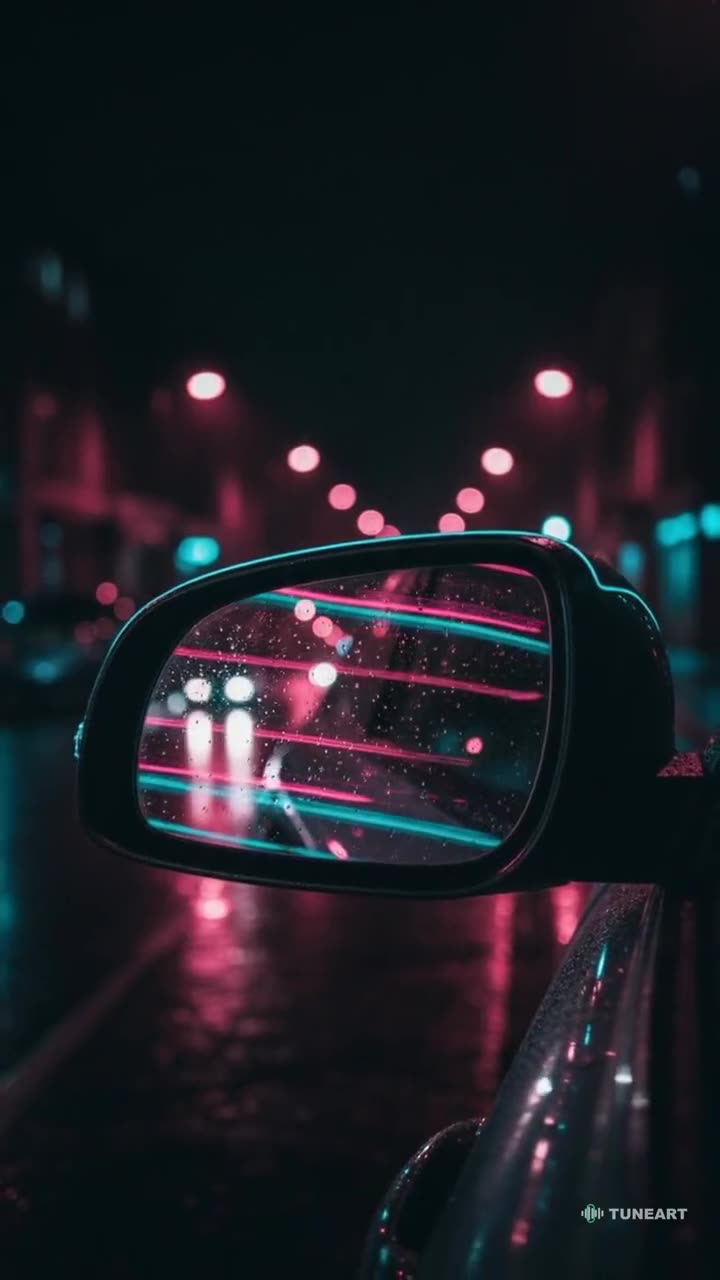
The price is on the button
You see the cost before you press Generate. Your first video is free, and there is no subscription.
See pricing →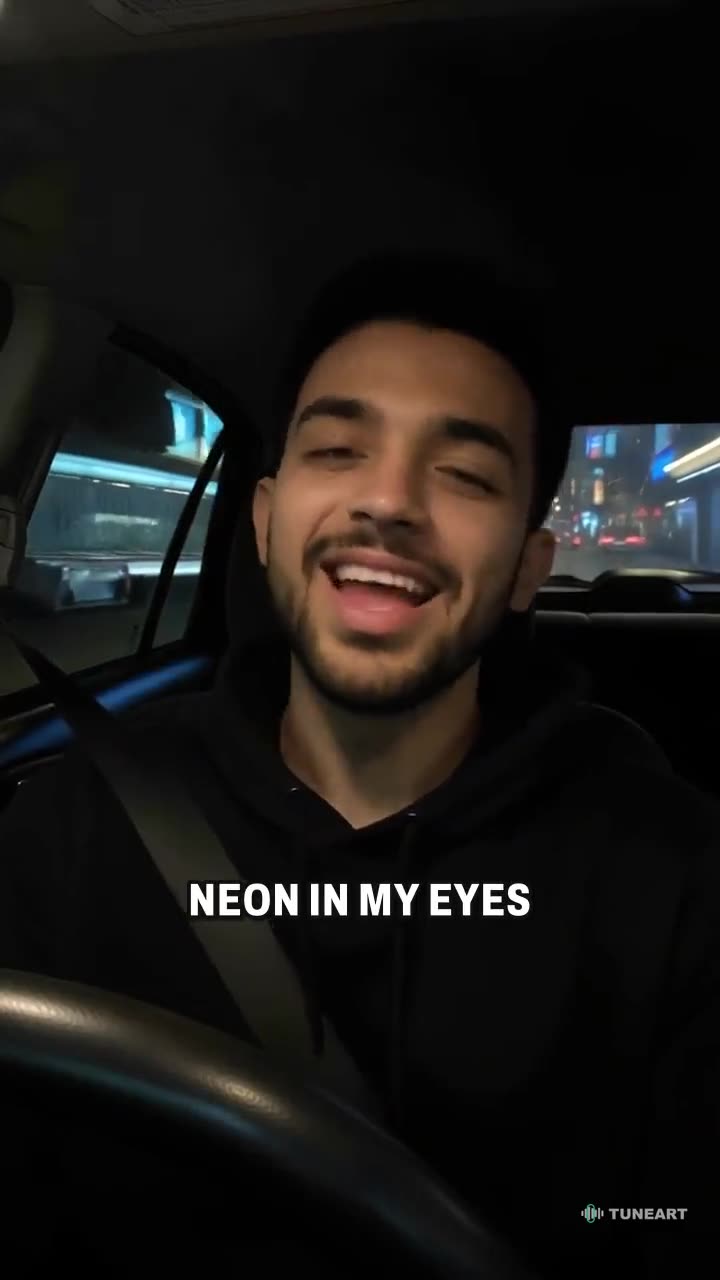
Leave and come back
Videos are made on our servers. Close the tab, lock your phone; it is in My videos when it is done.
Make a free video →Failed means free
We retry on our side. If a video still fails, every credit goes back on its own and you see why.
Read the FAQ →Made with TuneArt
Each was made in one go from a song’s chorus. Tap one to make yours with the same song.is freeThen each video shows its price on the button before you make it. No subscription needed.
Questions
Is it really free?
Your first video is free, with a small watermark. After that each video shows its price on the Generate button before you make it. The words-only lyric tool and music visuals are free.
What songs can I use?
Your own music or songs you have the rights to use. A short video uploads only the part of the song it uses; a whole-song video uploads the song, which stays private to you.
How long does it take?
A short video usually takes a few minutes; a whole-song video 15 to 30. You can leave the page; the video keeps going, appears in My videos, and we email you when it's ready.
How long can a video be?
15 or 30 seconds of the best part, or the whole song from its start, up to four minutes, with a new shot about every three seconds. A minute is 124 credits; four minutes 484. A slow cut, with fewer, longer shots, is about 88 credits a minute.
Can I post it on TikTok or Reels?
Yes. Videos are 9:16 by default. On a phone, Share opens your share menu, where TikTok, Reels and Shorts are.
What if it doesn't work?
We retry on our side. If it still fails, your credits go back automatically and the failure is shown in My videos.
Do I need an account?
You can try the free tools without one. To make a video, sign in with Google or your email so the video has somewhere to wait for you.