Now Playing Card Generator
Search a song, choose a look, and save a card to share. Free, with no sign-up.
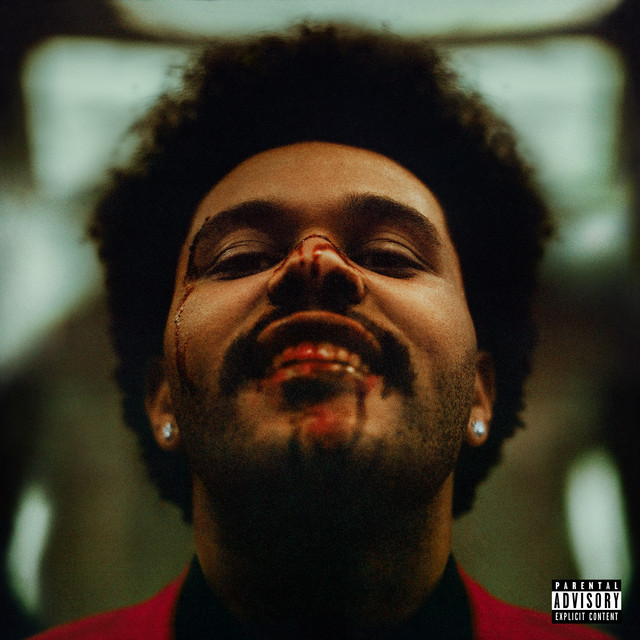
Blinding Lights
The Weeknd
After Hours
02 · Style
Make it with AI
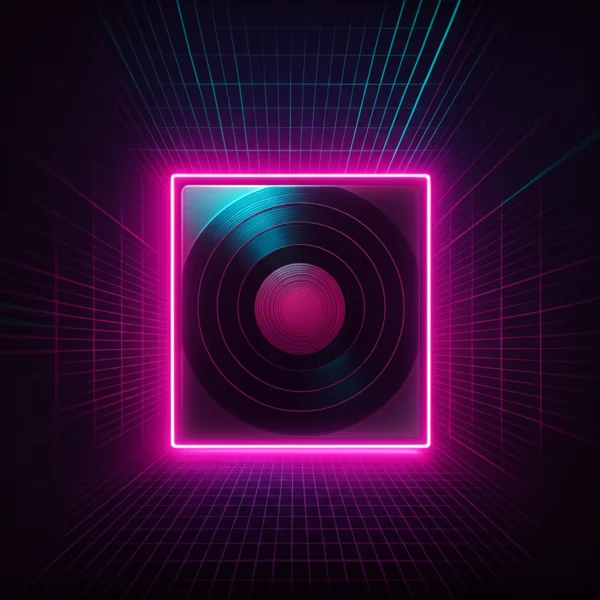
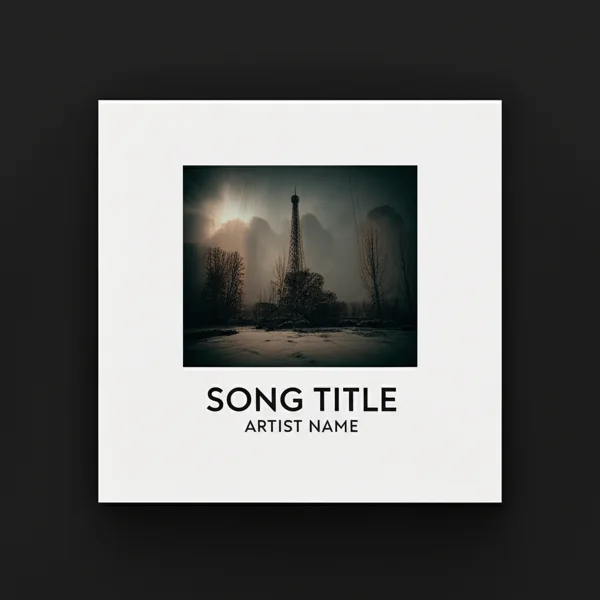
First one free when you sign inBlinding Lights as a glass player, a vinyl, a polaroid and more, drawn by AI from its cover.
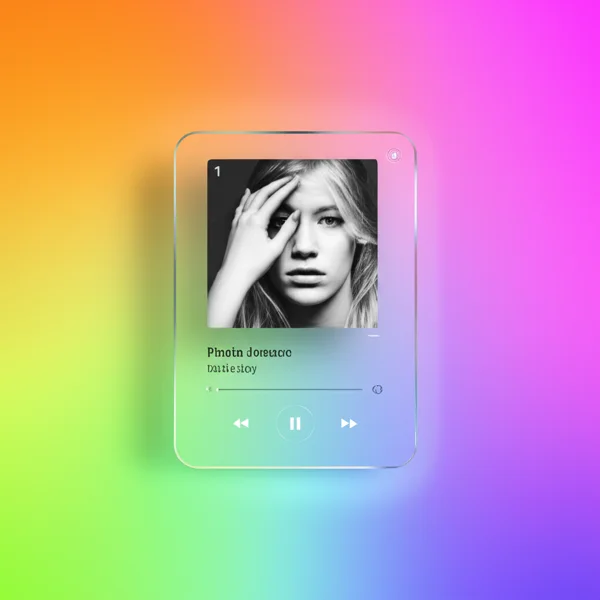
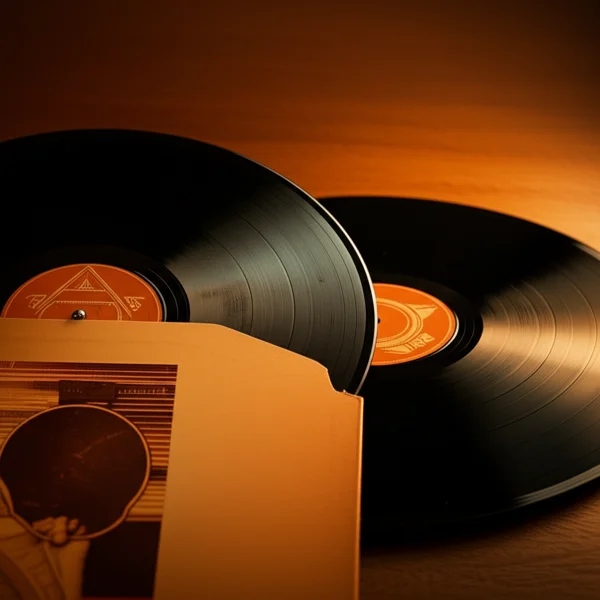
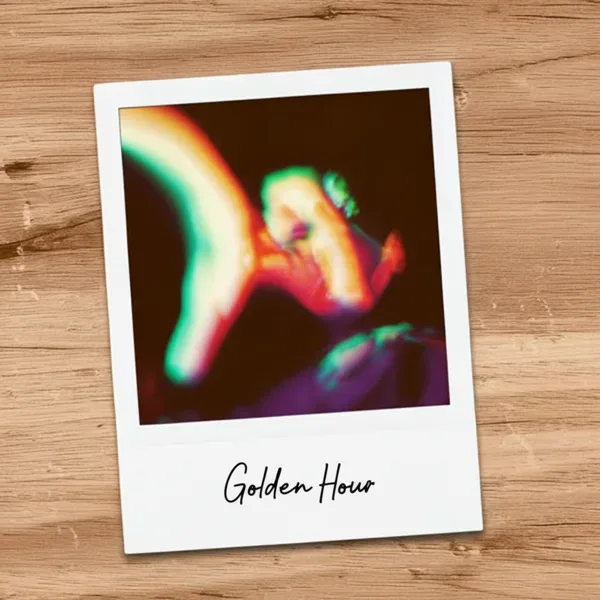
Preview · iOS Player

Blinding Lights
The Weeknd
Export is 1572×3408px PNG
Glassy · iPhone
Make these on your phone.
The same vinyl, CD and now-playing cards, as stickers you drop onto your own photos — filled in by whatever you are actually playing, rather than a song you typed in.
- Vinyl, CD case, now playing, playlist
- 30+ templates
- Every layer editable
Now Playing styles
iOS Player
apple music style mockup, now playing screen generator
Full-screen Apple Music inspired player art. Best when you want a polished editorial share image instead of a raw screenshot.
Lock Screen
iphone lock screen music widget, lock screen mockup
Place the track inside an iPhone lock screen layout with large album art and a realistic playback widget.
Control Center
control center music card, iphone music control center
Use a Control Center style music card for a more native, screenshot-like share format with system chrome already baked in.
Aesthetic and Stats
music card generator, spotify style share image
Keep it simple with a blurred glass card or a clean dark player UI for fast square and story exports.
When to use a Now Playing generator
Share what you're listening to
Promote a track or playlist
Start a richer visual workflow
How it works
- 1.Search for any song from the Spotify catalog.
- 2.Choose a visual format such as iOS Player, Lock Screen, Control Center, Aesthetic, or Stats Card.
- 3.Adjust the export format when the style supports square and story output.
- 4.Preview the result, then download the PNG or prepare it and open the share menu on your phone.
Frequently asked questions
- How do I make a Now Playing card?
- Search for a song, pick a style, and choose a format when available. On a computer, click Download PNG. On a supported phone, tap Prepare image, then Save or share image to choose Save Image or an app. Open PNG and Download PNG are also available after preparation.
- Do I need a Spotify account or to sign in?
- No. The tool is completely free and requires no sign-up. Song search is powered by the Spotify catalog, but you don't need a Spotify account to use it.
- Which platforms is this sized for?
- Square (1080×1080px) works for Instagram Feed, Twitter/X, and Discord. Story (1080×1920px) is sized for Instagram Stories, TikTok, and Xiaohongshu vertical posts. The iOS Player, Lock Screen, and Control Center styles also export at their own mockup-native vertical sizes.
- What's the difference between the styles?
- iOS Player, Lock Screen, and Control Center are mockup-based styles that recreate Apple interface patterns. Aesthetic uses a blurred, darkened version of the album cover as the background with a frosted glass card. Stats Card is a dark player UI with a progress bar, closer to a Spotify screenshot but much cleaner.
- Can I remove the TuneArt watermark?
- The free version includes a small 'TUNEART' mark in the corner. We plan to offer watermark-free exports for TuneArt members in the future.