Highlight
Cover-led motion workflow
This template starts from existing album art and turns it into motion, which makes it more focused than a generic text-to-video route.
Covers
Animate album cover art into short promo clips for release announcements, story teasers, and looping motion posts. This is closer to an album-cover animation workflow than a full narrative music-video production stack.
Template Type
Video generation
Cost
8 credits
Input
Start from a track cover
AI Engine
Veo
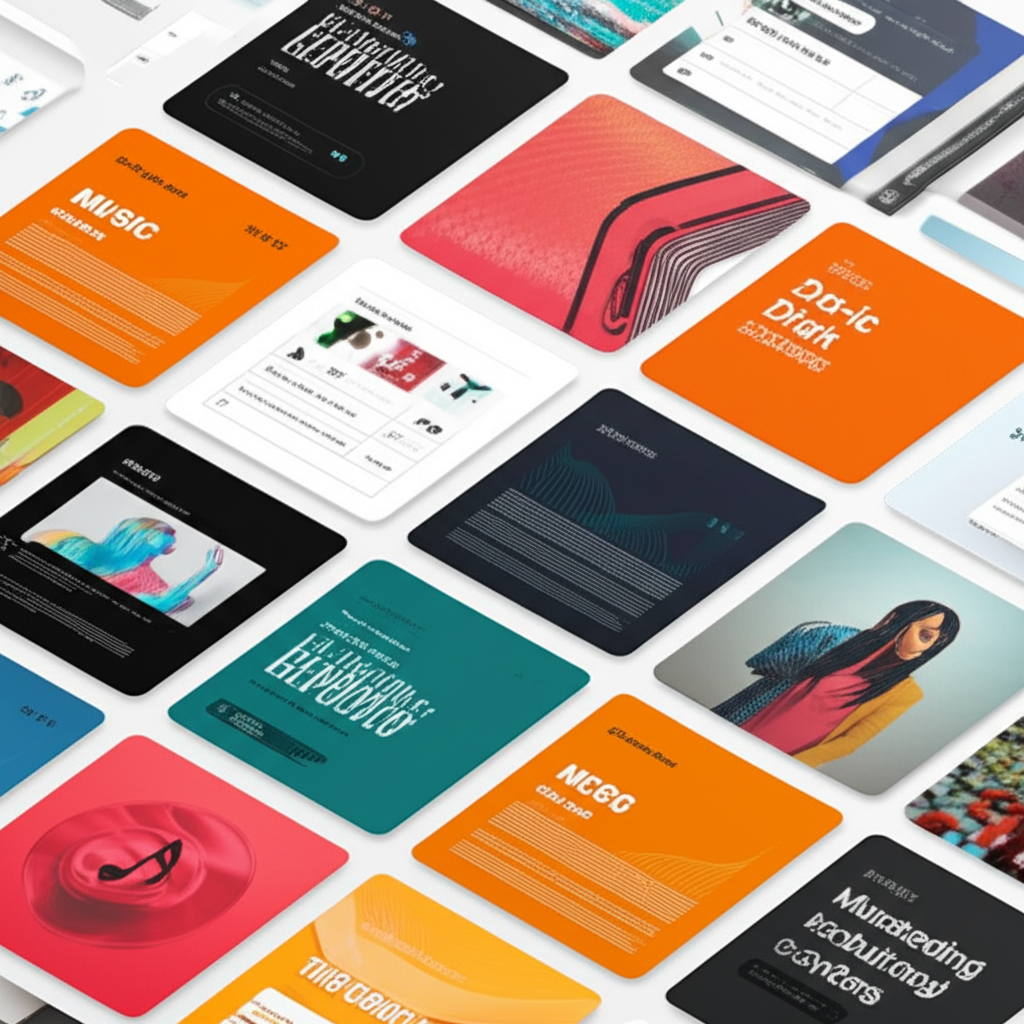
Motion Cover Summary
Use this landing page to confirm that you need a short animated cover clip, not a full multi-shot music video. The Studio route handles the actual rendering once the ratio and teaser intent are clear.
Why It Works
The workflow starts from an existing track cover and turns it into a short piece of release motion. The landing page should make that scope obvious so searchers arrive with the right expectations.
Highlight
This template starts from existing album art and turns it into motion, which makes it more focused than a generic text-to-video route.
Highlight
The best use case is a release teaser, looping social clip, or announcement asset rather than a full-length music video with narrative continuity.
Highlight
Because the output is meant for feed or story contexts, choosing the framing early makes the resulting motion clip more useful once Studio opens.
How To Use
Step 1
Search for the track first so the Studio can use the existing cover art as the motion anchor. This keeps the output closer to a polished cover-animation workflow than a generic video prompt.
Step 2
Use the 16:9 or 9:16 video settings intentionally. The output works best when you already know whether the clip is for feed, story, or teaser placement before rendering.
Step 3
Open Studio only after the ratio and motion intent are clear, then render the clip and compare it against your release-post workflow.
Covers
If the cover itself still needs to be designed, remixed, wrapped for social, or turned into a wallpaper, these adjacent cover pages are better starting points.
Share your favorite music with beautifully styled album cover templates.
Create original album cover artwork in various artistic styles — no photo required.
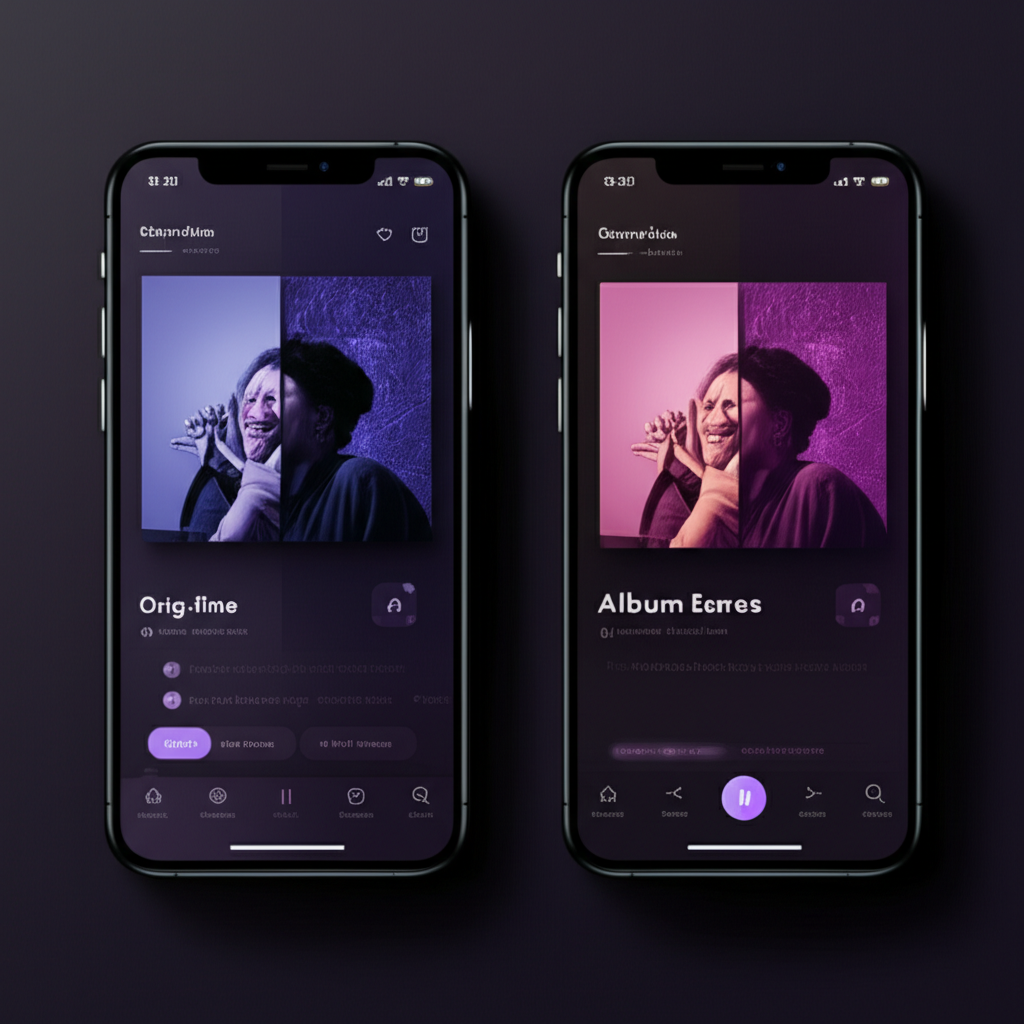
Blend your own photo with an existing album cover to recreate its scene, typography, or visual treatment.
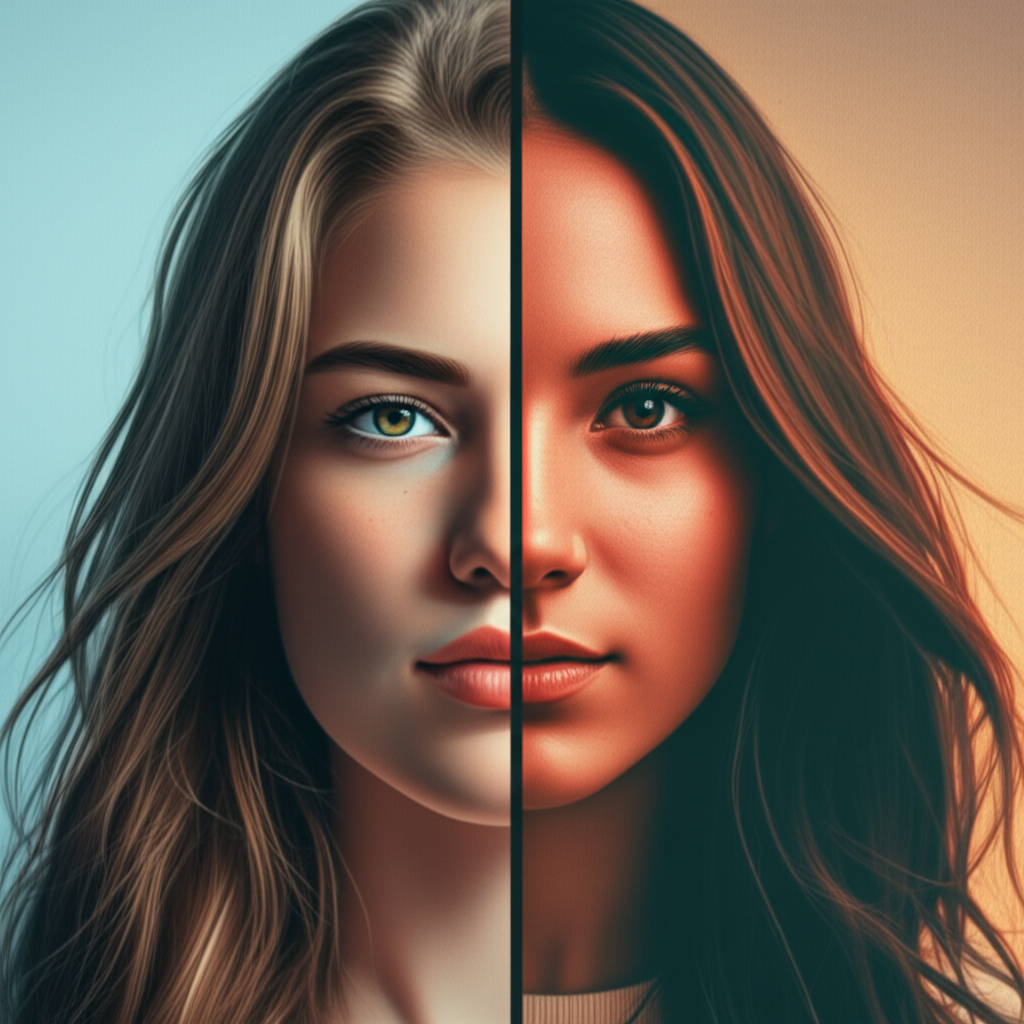
Turn portraits and artwork into original album cover concepts with distinct visual directions.