TuneArt
Templates/Share Album

Objects

Share Album

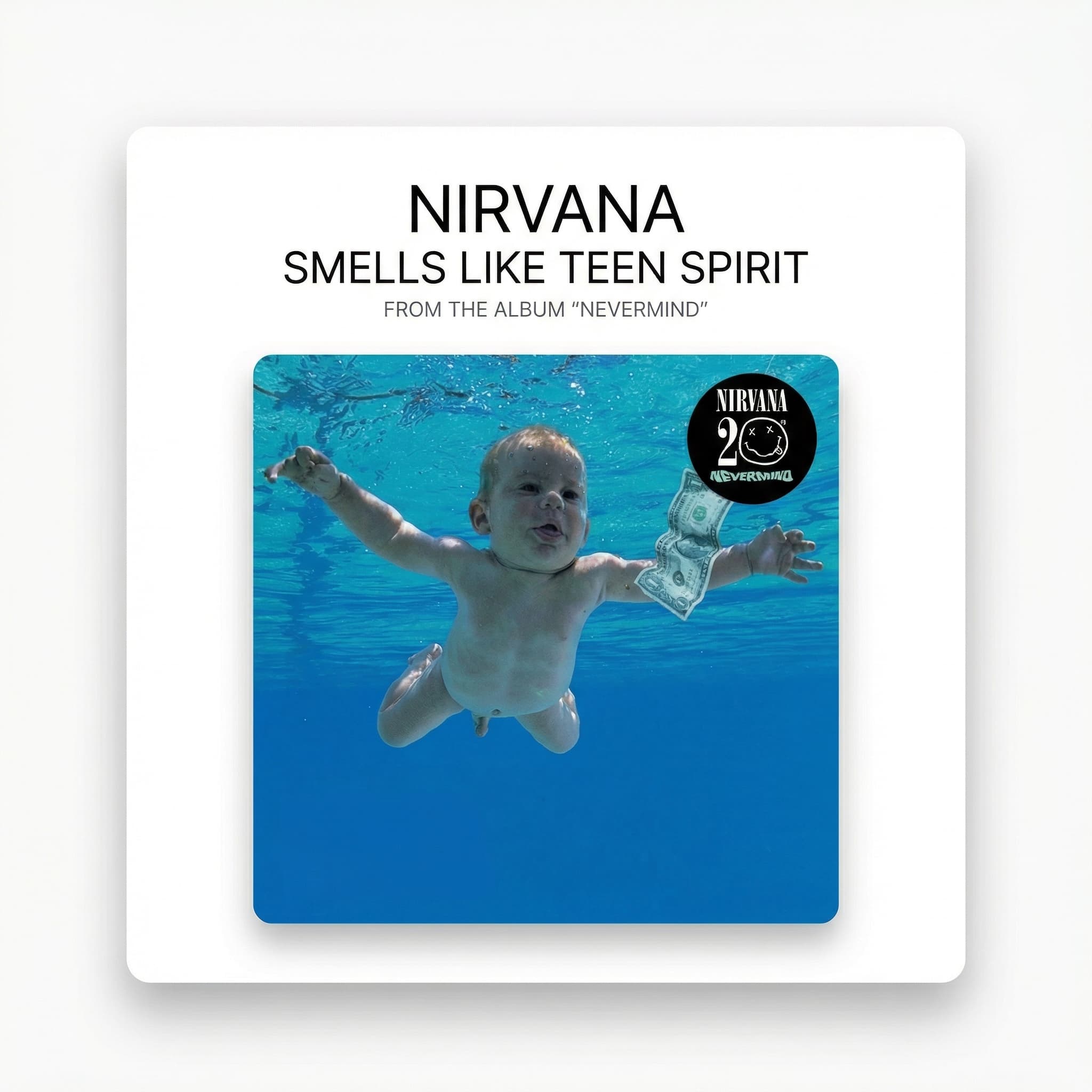
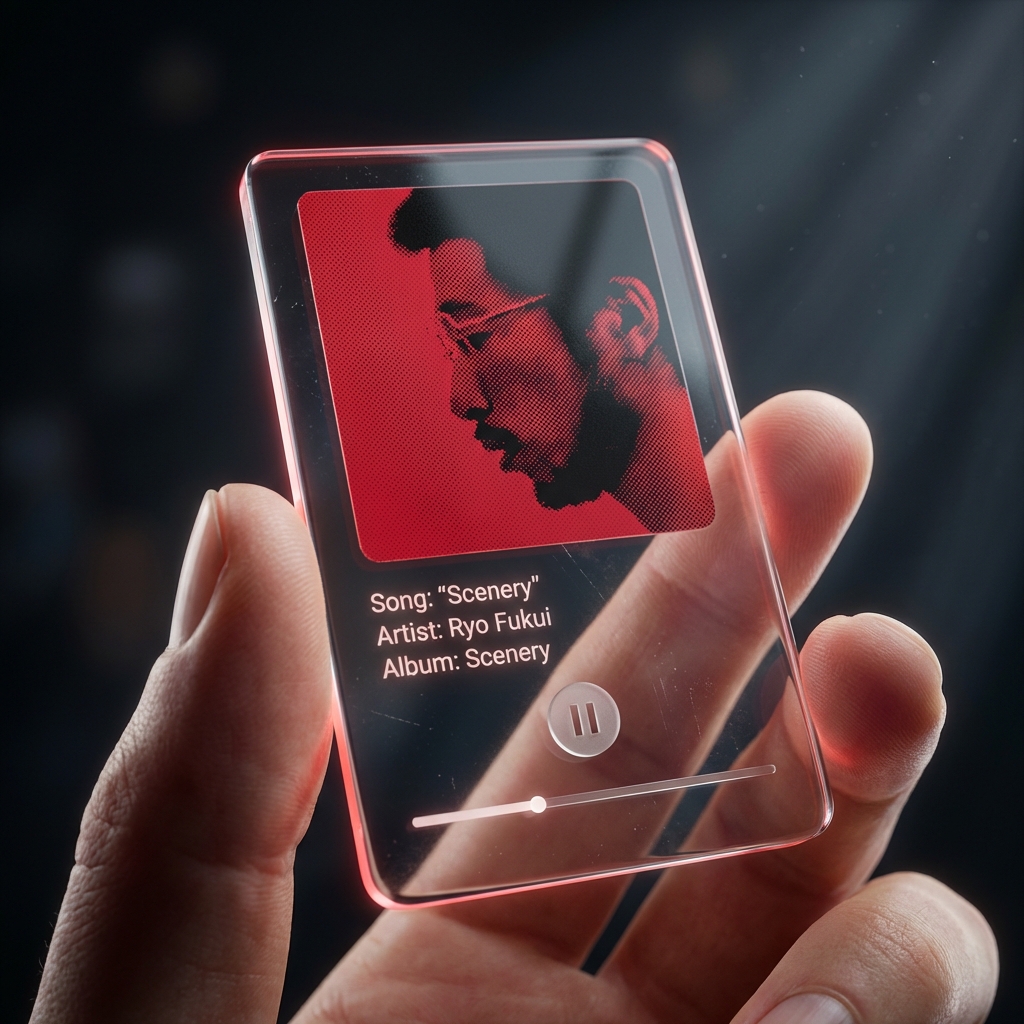
Compare album art sharing formats before you generate. This collection is for turning an existing track cover into polished social assets like acrylic-player posts, vinyl frames, polaroid layouts, neon treatments, and clean minimal cards.

Collection

5 styles

Cost Range

2 credits

Plan

Free

Best For

Track-first generation

Primary Action

Choose a share format

This template is available on the Free plan.

Album Share Collection

Use the collection page to decide how the song should be framed on social before you open Studio. The best result usually comes from picking the wrapper first, then rendering the exact ratio you need.

How It Works

Pick the share behavior first, then render the exact post treatment.

Step 1

Choose the share format, not just the style name

Use the collection page to decide whether the post should feel like a player UI, a record sleeve, an instant photo, a neon promo asset, or a restrained card. That decision drives the rest of the workflow.

Step 2

Lock the song and output ratio before entering Studio

These templates work best when the track, album art, and target channel are already known. Decide whether the export is for feed, square repost, or story placement before you generate.

Step 3

Open the exact Studio route for the chosen wrapper

Once the share treatment is clear, go straight into the matching Studio page and render the post-ready composition instead of comparing visual directions mid-session.
Styles

Five ways to package the same track for social sharing.

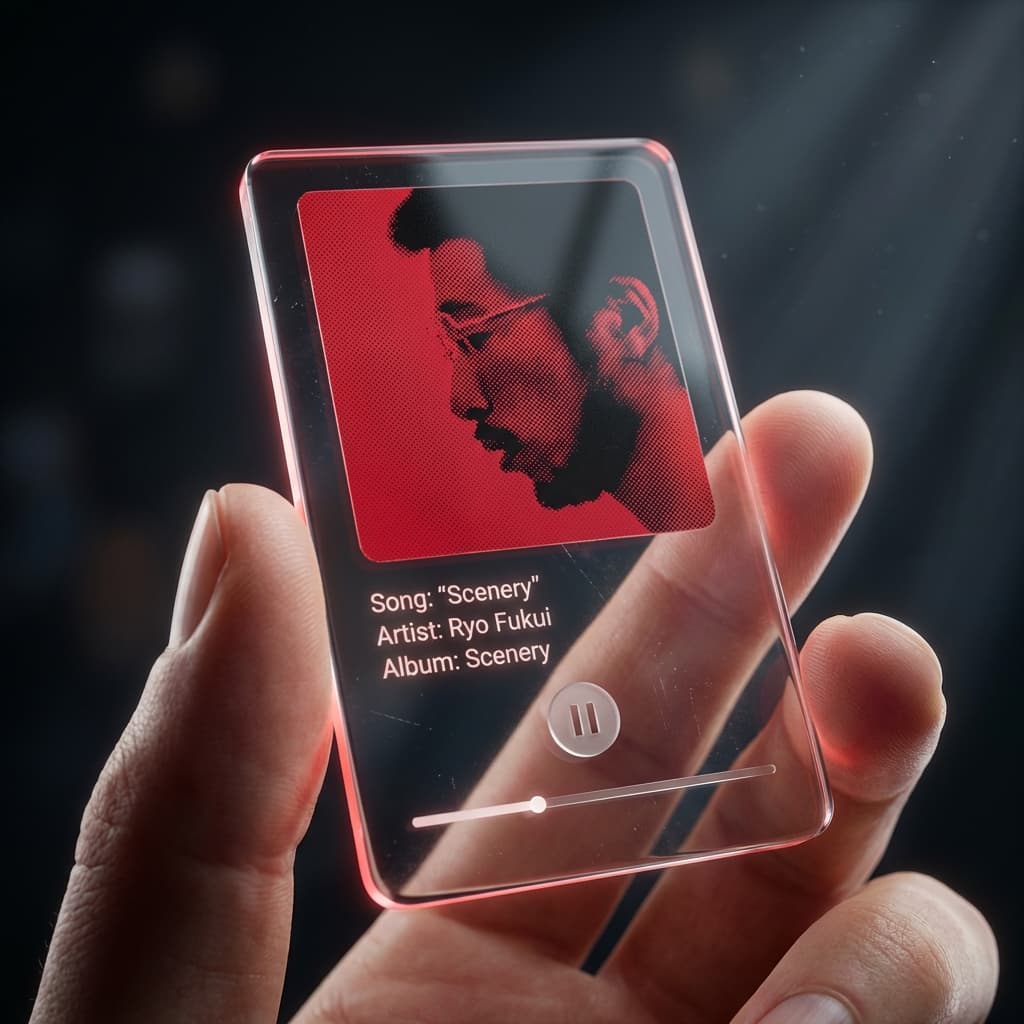
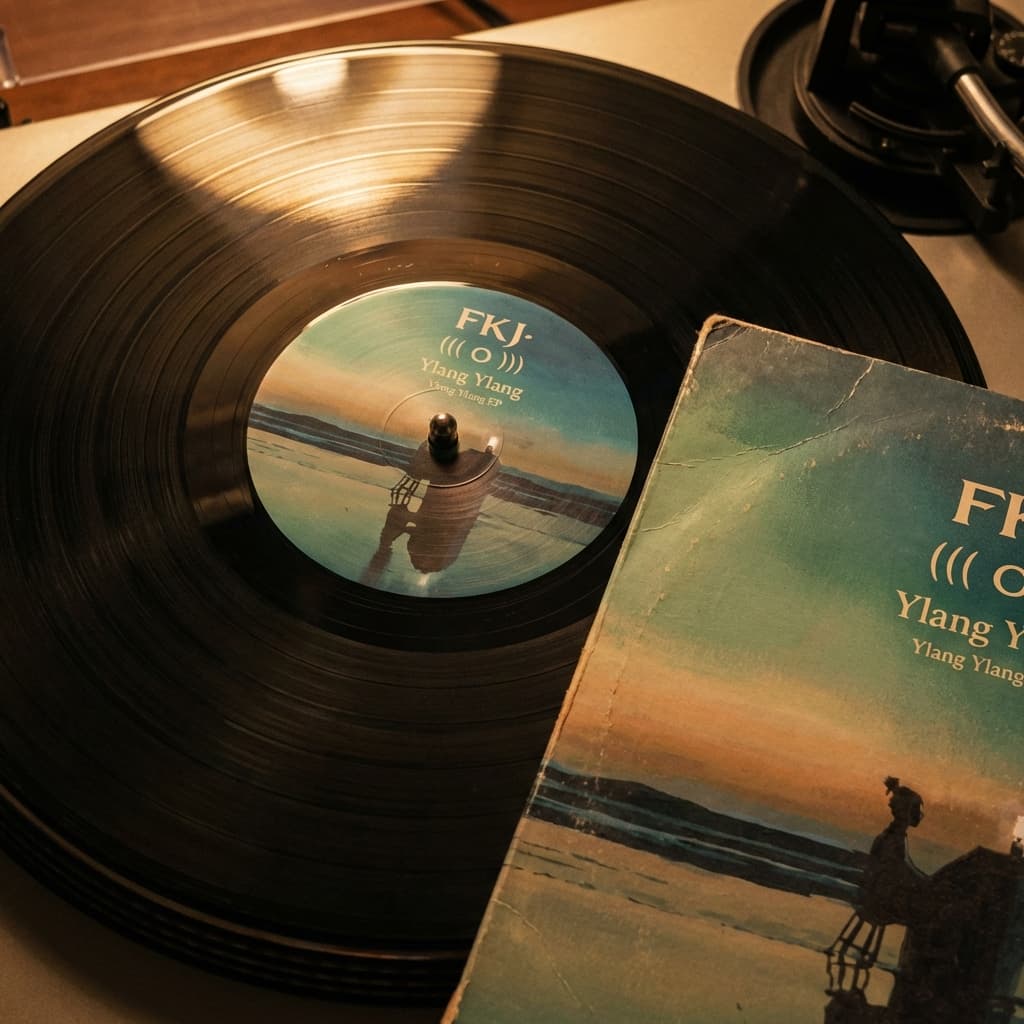
Acrylic player, vinyl record, polaroid frame, neon glow, and minimal card each solve a different posting context. The detail pages help you compare those contexts before you spend time generating.

5 options

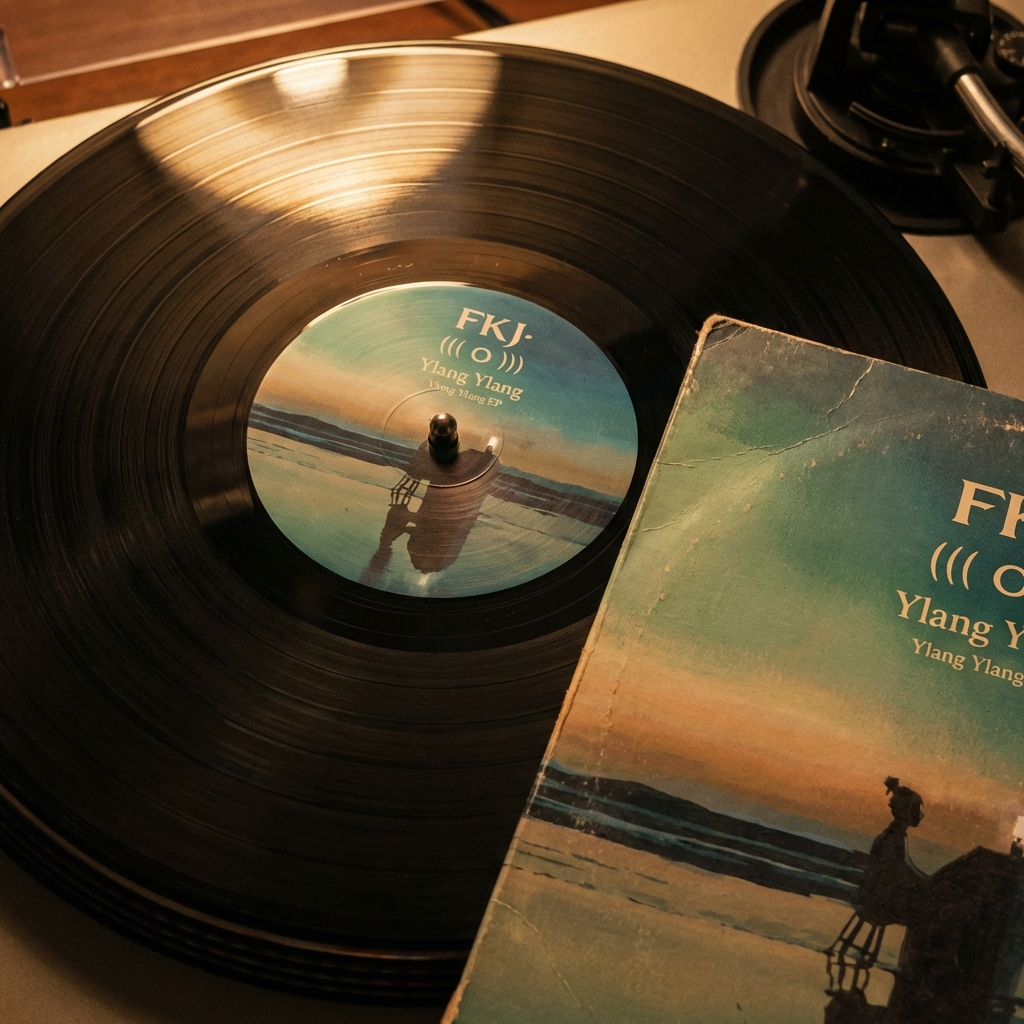
Vinyl Record

Style Page

Vinyl Record

2 crFree

Transform your music into a classic vinyl record design with spinning disc and sleeve art.

Neon Glow

Style Page

Neon Glow

2 crFree

Electrify your music with vibrant neon lights and glowing effects.

Preview Gallery

Reference outputs for cover-led share graphics.

The gallery should help you read framing, surface treatment, and social-post behavior at a glance before switching context into Studio.

Examples

Share Album preview 1
Share Album preview 2
Share Album preview 3
Share Album preview 4