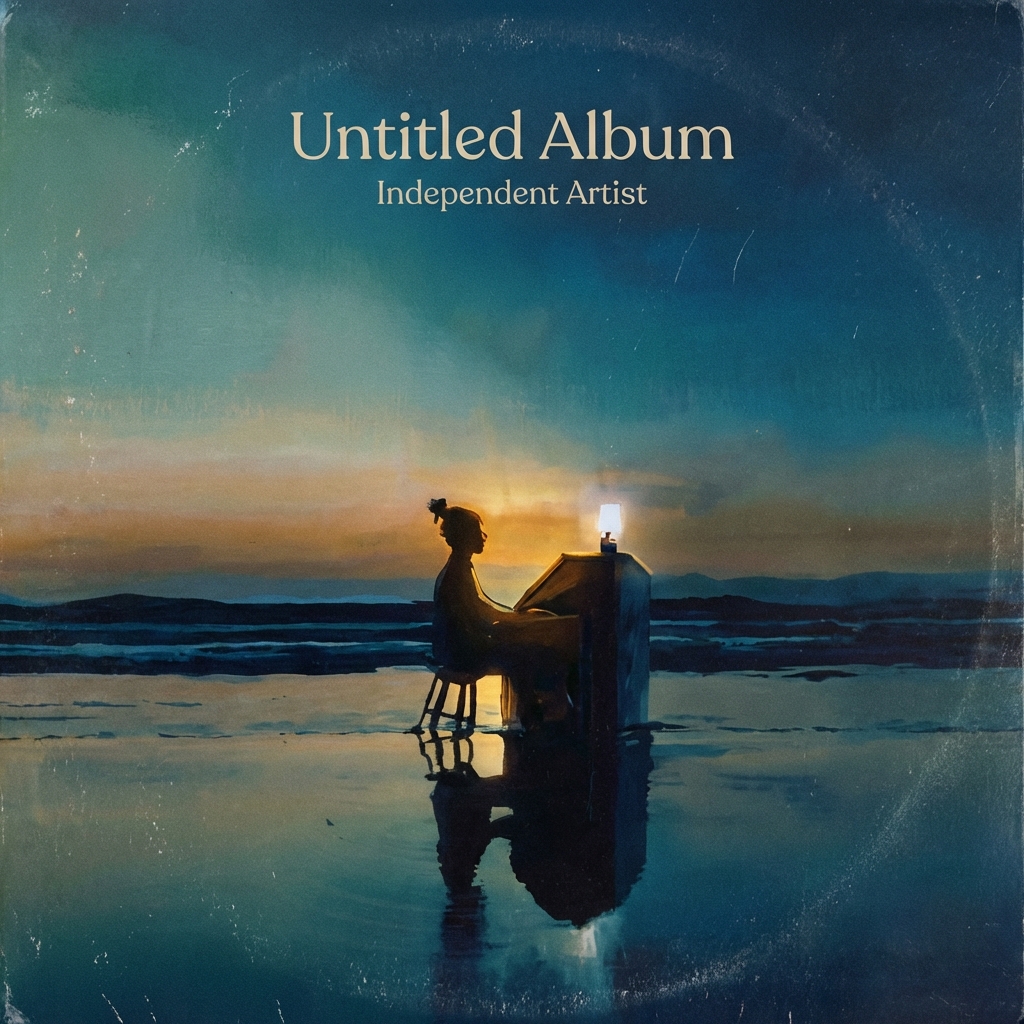
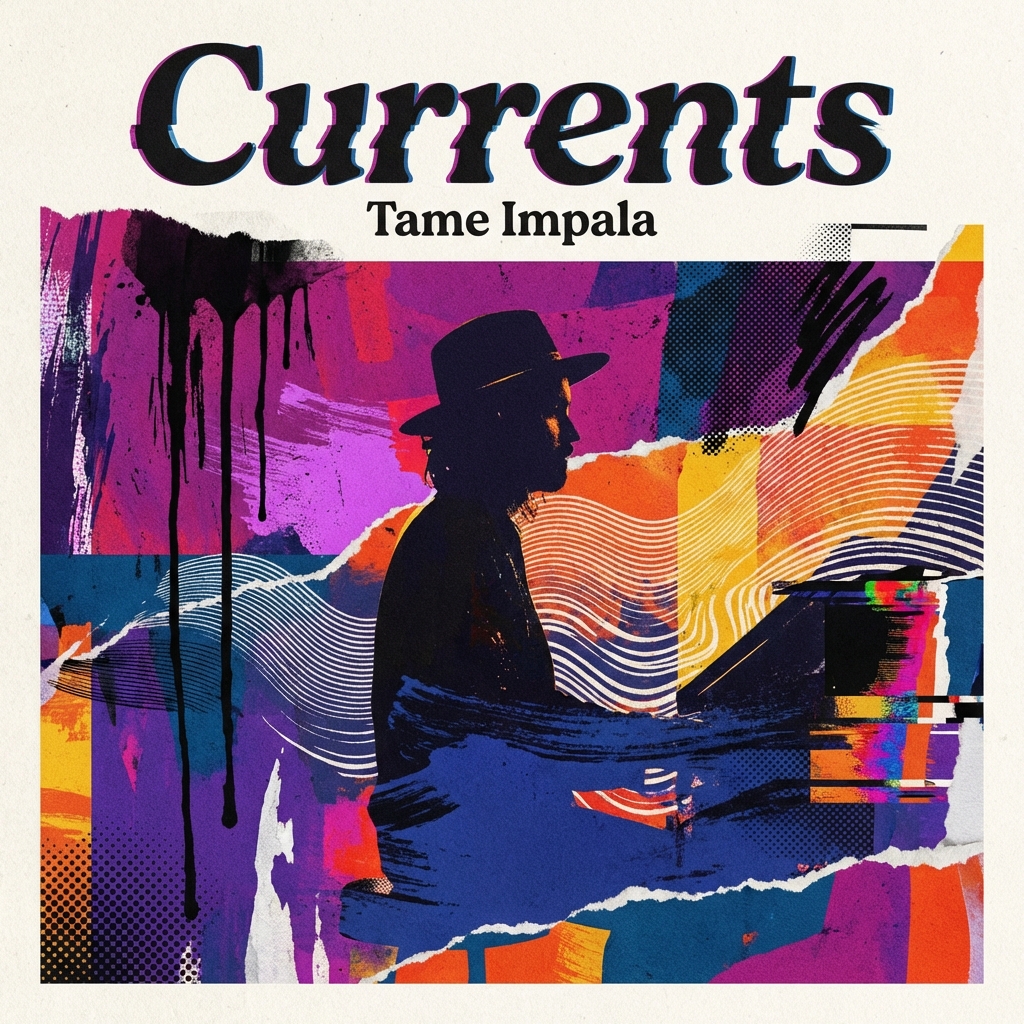
Feature
Original Cover Treatments
Generate fresh cover concepts instead of recreating a specific album scene.
Covers
Start from an existing portrait or image, then compare original remix directions before you generate. This collection is for transforming your source image into a new cover concept, not for directly cloning an existing album cover.
Collection
3 styles
Cost Range
3 credits
Plan
Free
Best For
Reference-led generation
Primary Action
Choose a remix style
This template is available on the Free plan.
Cover Remix Collection
Minimal, cinematic, and collage are distinct cover treatments with different framing logic, texture behavior, and typography expectations. Use the collection page to decide which lane the source image should enter.
Why This Collection Works
Remix is most useful when the source image already has the right subject but not yet the right cover treatment. The collection page helps narrow that treatment before you start iterating in Studio.
Feature
Generate fresh cover concepts instead of recreating a specific album scene.
Feature
Choose from minimal, cinematic, or collage-driven cover styles for different release aesthetics.
Feature
Start from your own portrait or artwork and shape it into a release-ready cover with AI guidance.
How It Works
Step 1
Minimal, cinematic, and collage are different output systems, not minor prompt variations. Decide which treatment the source image should enter before uploading it.
Step 2
The remix result is heavily shaped by the starting photo or artwork. Pick an image with the pose, lighting, or composition foundation you actually want to push further.
Step 3
Open the Studio route for the chosen remix style and iterate inside that one direction. The collection page should do the comparison work before the generation session starts.
Styles
Minimal aims for restraint and editorial balance, cinematic leans into atmosphere and lighting, and collage adds layered materials and graphic disruption. The detail pages should make those tradeoffs legible before generation starts.
3 options

Style Page
Minimalist artwork with premium editorial balance.
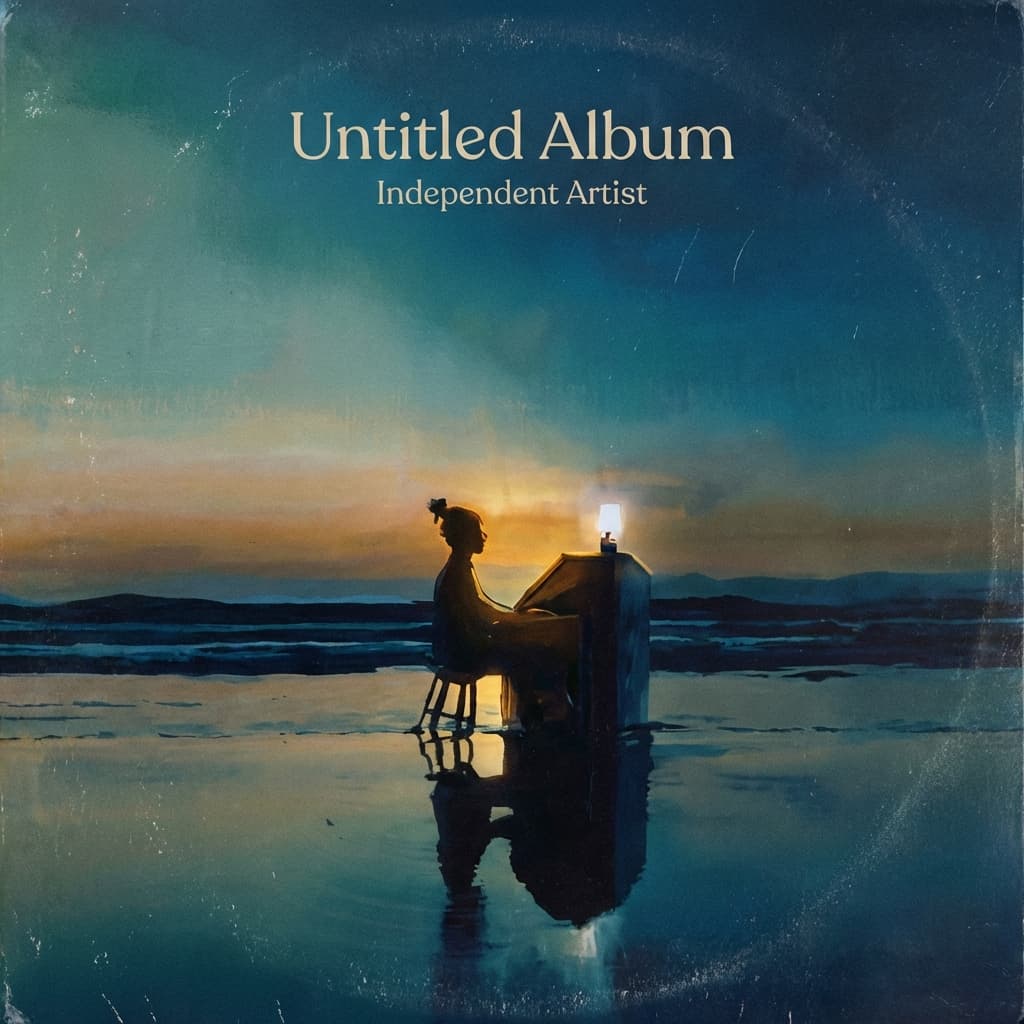
Style Page
Dramatic light and narrative visual storytelling.
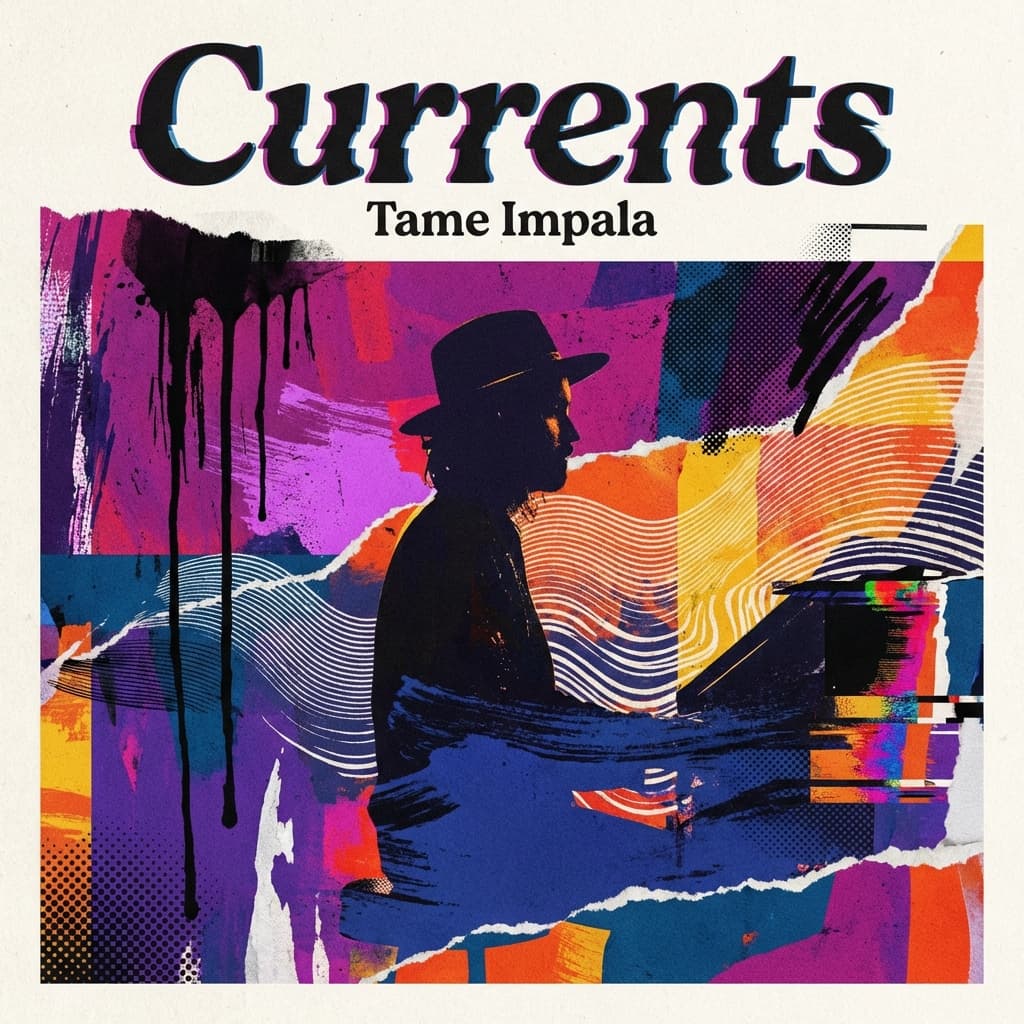
Style Page
Graphic collage cover with expressive motion energy.
Use Cases
This collection is strongest when you already have a portrait, selfie, or artwork you want to push toward a cover concept without rebuilding the whole release identity from zero.
Preview Gallery
Look at the gallery as proof of treatment range: the question is not whether the source image changes, but how far the treatment pushes it into a cover-ready direction.
Examples