Feature
Multiple Art Styles
Choose from minimalist, cinematic, retro vinyl, neon cyberpunk, and more artistic directions.
Covers
Use this collection to compare original album cover directions before you write the full generation brief. Each style solves the same job, generating a new cover concept, but pushes the art direction into a distinct visual language.
Collection
6 styles
Cost Range
2 credits
Plan
Free
Best For
Prompt-driven generation
Primary Action
Choose an art direction
This template is available on the Free plan.
Cover Design Collection
This page is the decision layer for original cover creation. Choose whether the release wants minimal typography, surreal imagery, retro cues, abstract form, cyberpunk energy, or illustrated portraiture before you open Studio.
Why This Collection Works
Cover Design works best when you already know the release title, artist name, mood, and genre cues, but still need to settle the visual language. The collection page helps narrow that art direction before you spend credits.
Feature
Choose from minimalist, cinematic, retro vinyl, neon cyberpunk, and more artistic directions.
Feature
Enter album info and art direction — no photo required. Optionally upload a reference image for extra guidance.
Feature
Generate high-resolution artwork ready for streaming platforms, social media, and print.
How It Works
Step 1
Use the collection page to answer the big question first: what visual family should this release live in? That is easier to solve here than inside a blank Studio form.
Step 2
Once the style lane is clear, collect the album title, artist name, mood words, genre cues, and any optional style reference so the brief feels coherent rather than improvised.
Step 3
Open the matching Studio route after the art direction is set. Studio should be used for variation and output, not for deciding whether the release wants minimal, surreal, retro, or illustrated cover language.
Styles
The styles here are intentionally different: editorial typography, dreamlike surrealism, retro sleeve references, abstract expression, neon futurism, and illustrated portrait-led artwork. The goal is to help searchers compare cover directions, not just browse pretty thumbnails.
6 options
Style Page
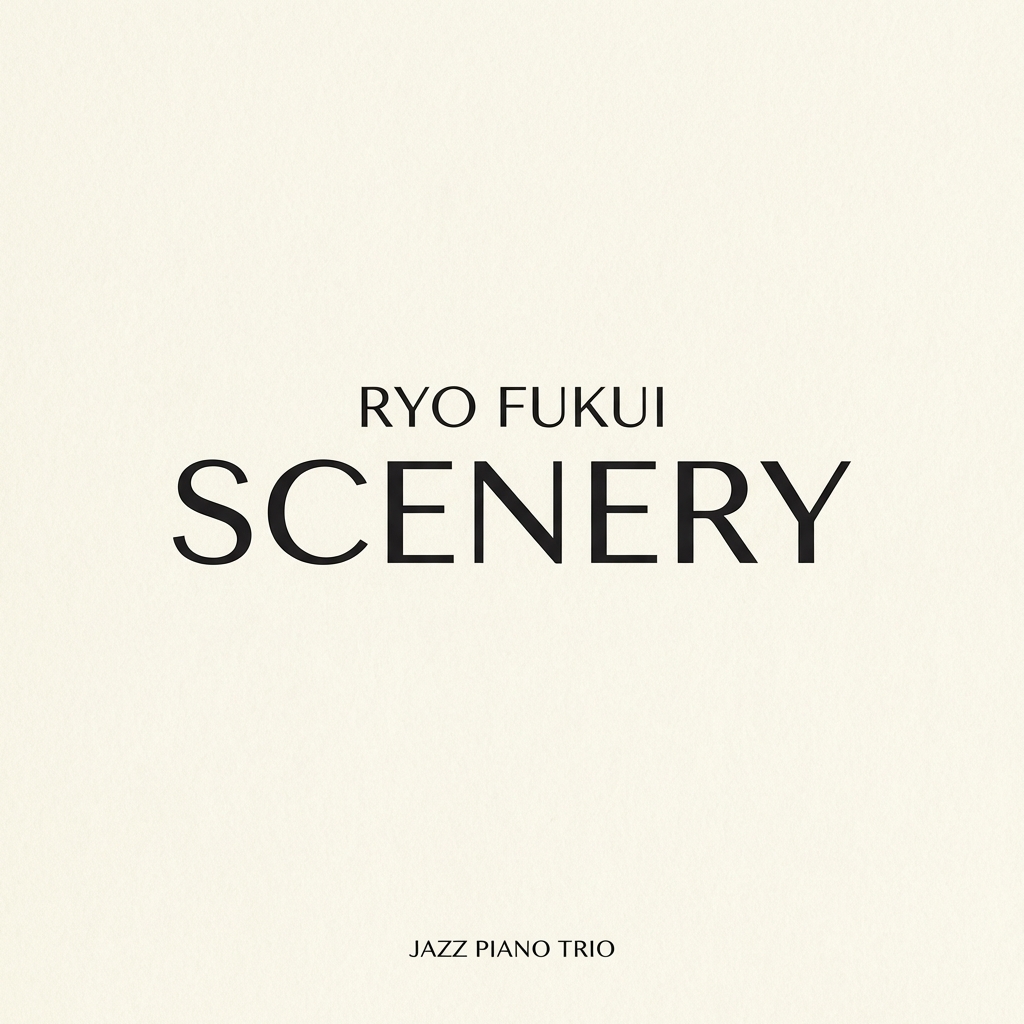
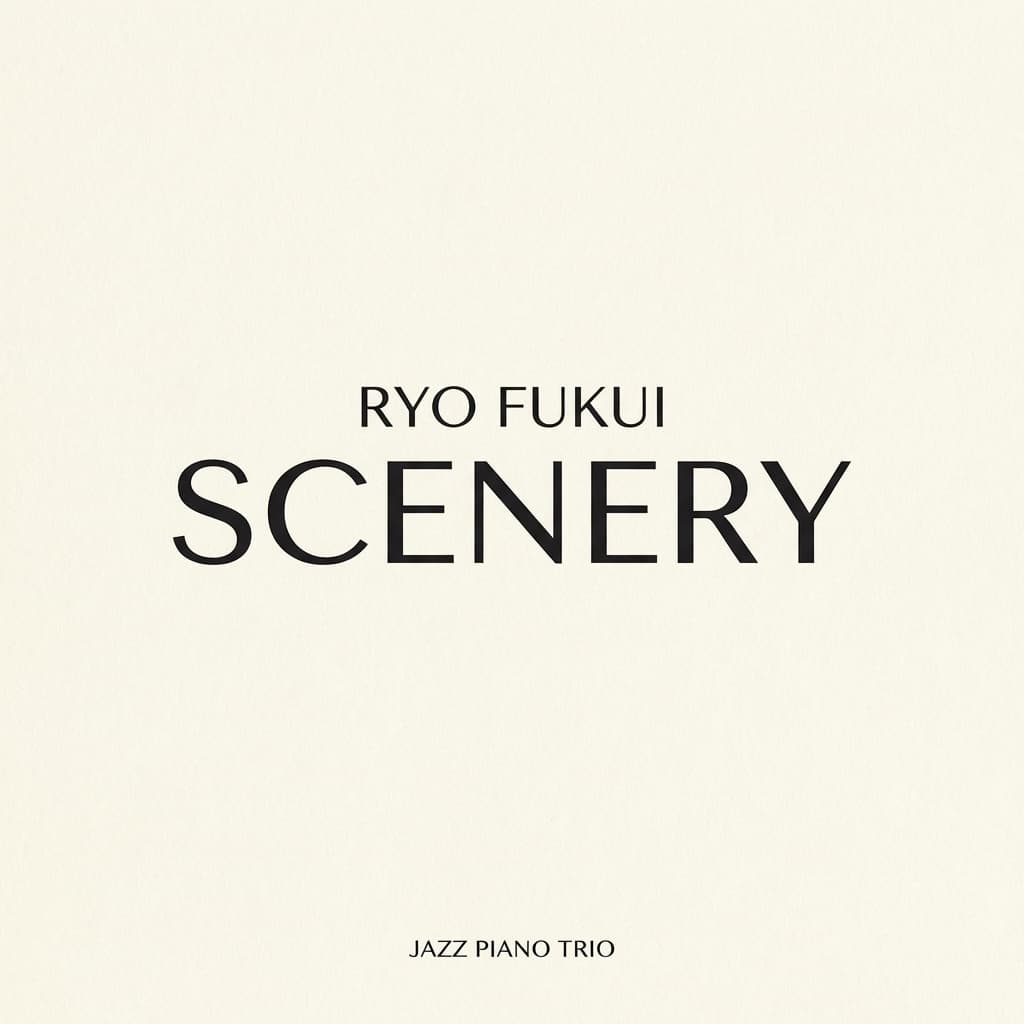
Ultra-clean cover design with refined typography and generous negative space.
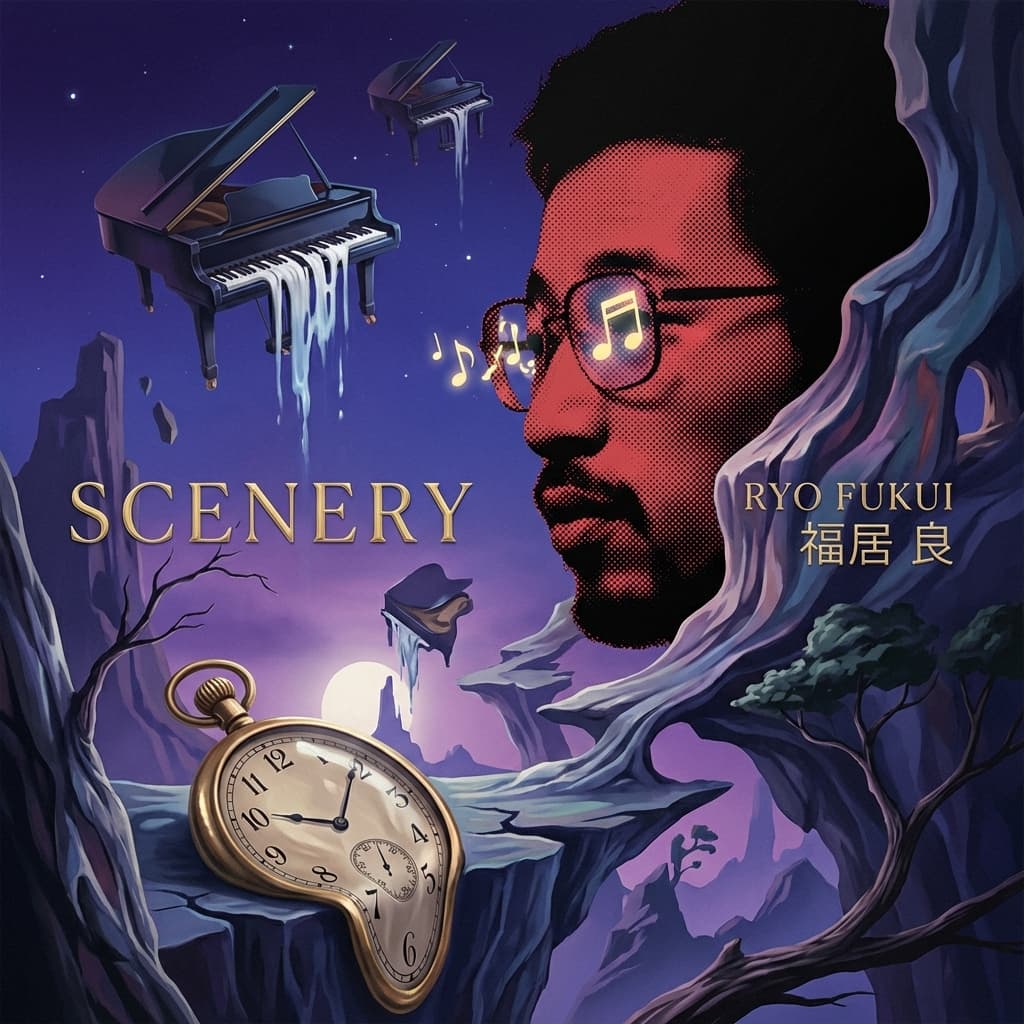
Style Page
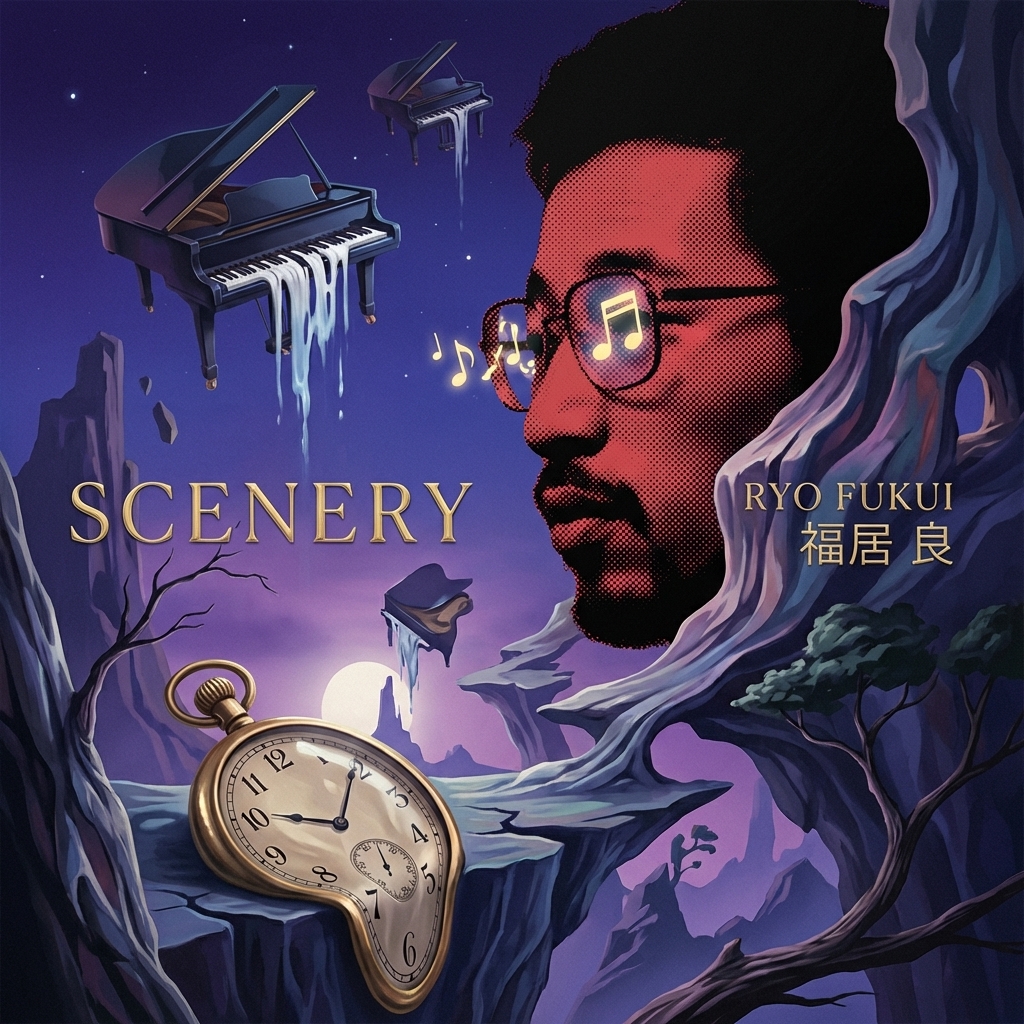
Dreamlike surreal scenes with impossible landscapes and ethereal atmosphere.

Style Page
Vintage record sleeve aesthetic with warm tones and film grain texture.
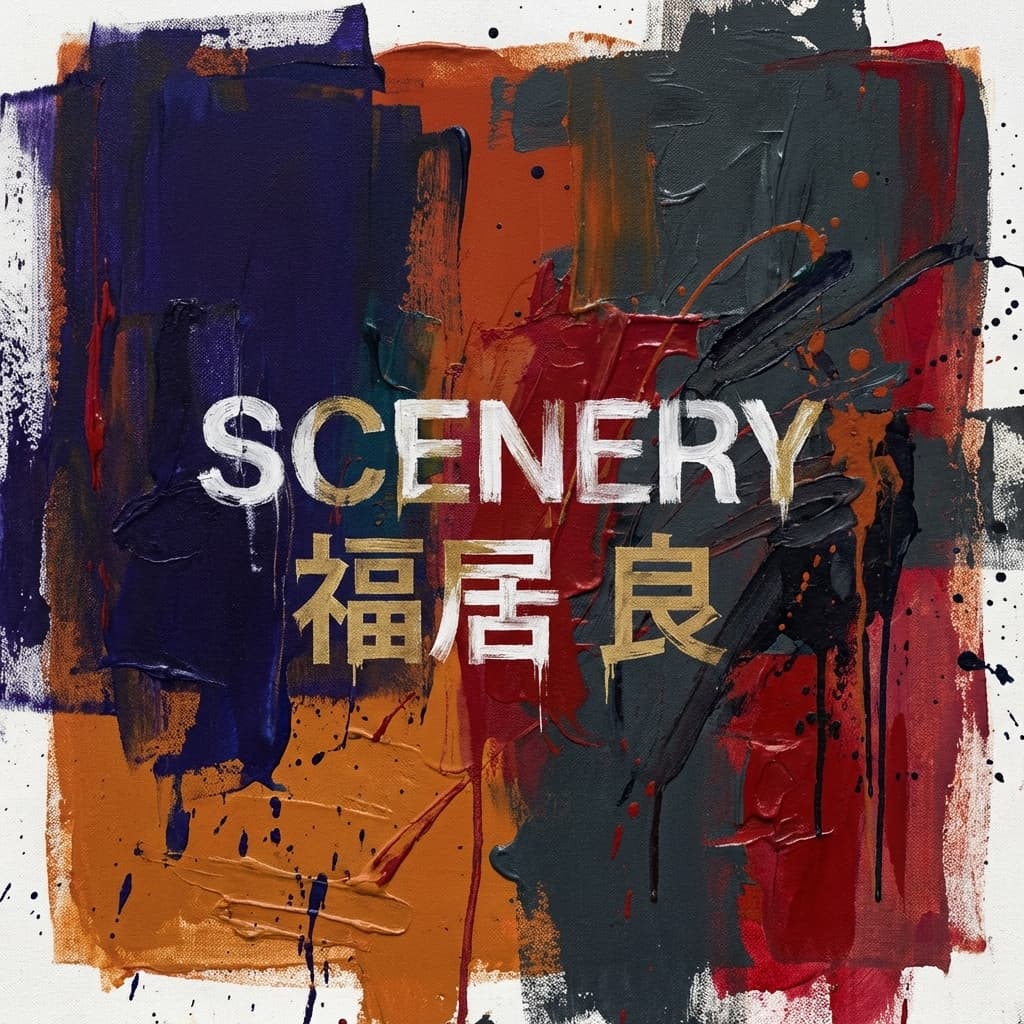
Style Page
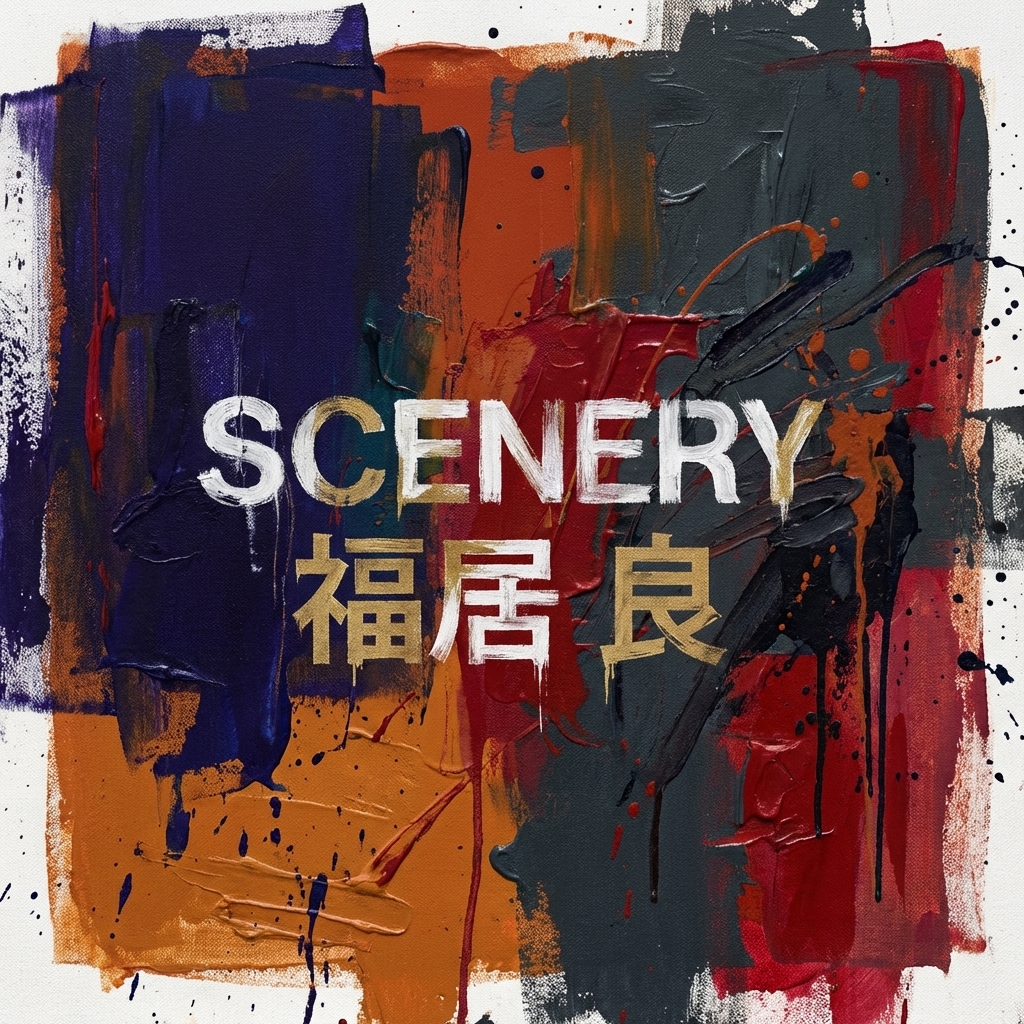
Painterly abstract art with expressive color fields and dynamic texture.

Style Page
Futuristic neon-lit aesthetic with dark atmospheres and electric color accents.
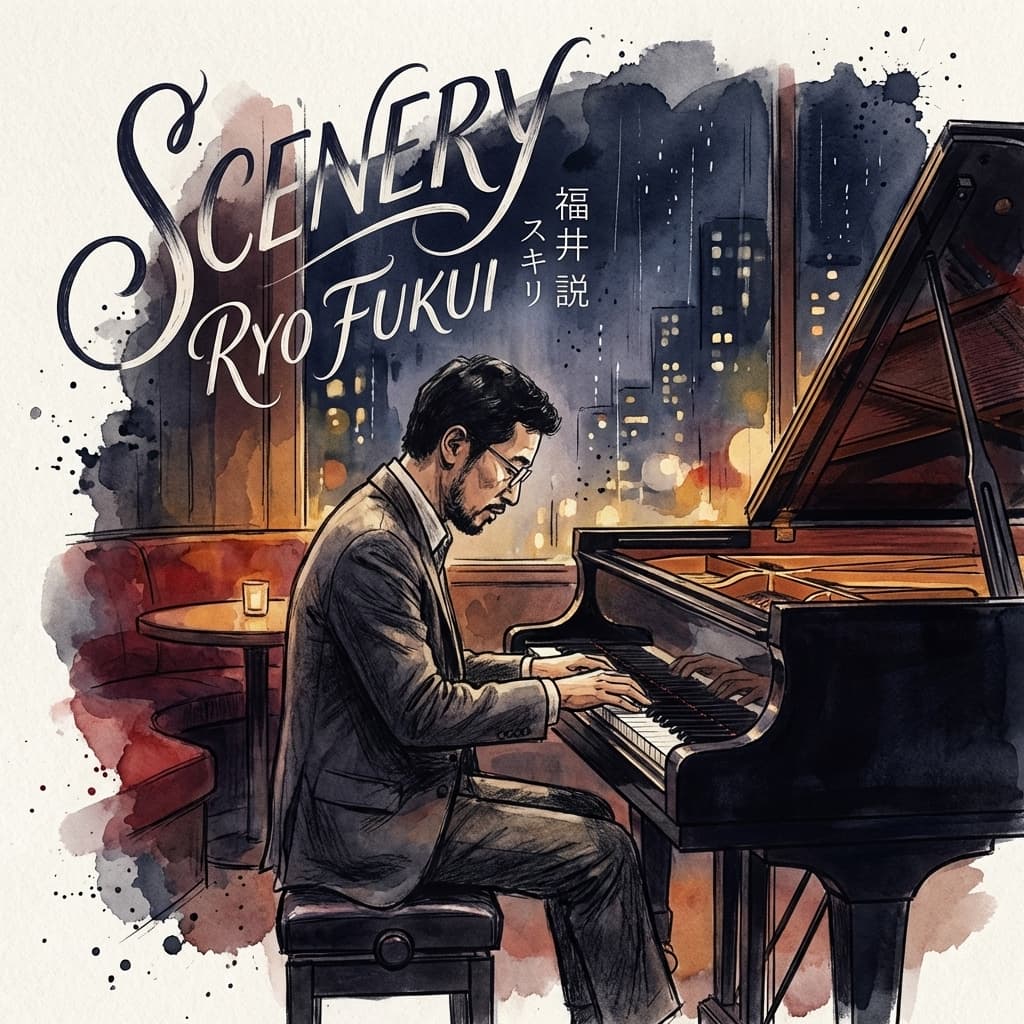
Style Page
Stylized illustration portrait with artistic character and unique visual identity.
Use Cases
Choose this collection when you want a brand-new cover concept, not a recreation of an existing sleeve and not a social wrapper for existing art.
Preview Gallery
These previews show the range of the collection, from restrained editorial layouts to maximal illustrated concepts, so the style difference is visible before the Studio click.
Examples