Highlight
Original cover route
This style belongs to the original cover-design workflow, which makes it better for fresh release concepts than for direct recreation of a known sleeve.
Futuristic neon-lit aesthetic with dark atmospheres and electric color accents.
Creator plan required to use this template. See pricing
Collection
Cover Design
Cost
2 credits
Input
Prompt-led generation
AI Engine
Gemini
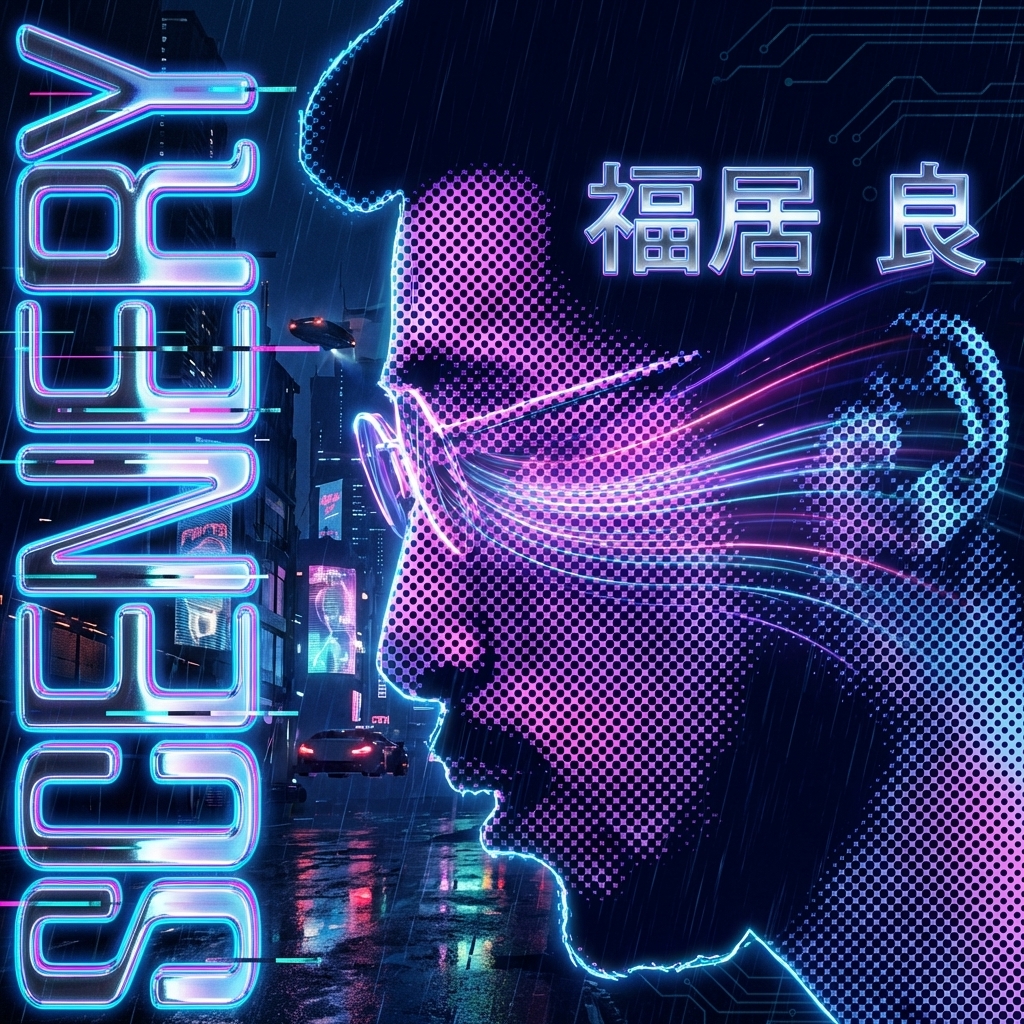
Cover Direction Preview
This detail page helps determine whether the release should live in this visual language before you write the full cover brief in Studio.
Why Choose This Style
Cover-design child pages should clarify the visual role of each direction so the Studio click happens after the stylistic decision, not before it.
Highlight
This style belongs to the original cover-design workflow, which makes it better for fresh release concepts than for direct recreation of a known sleeve.
Highlight
The quality of the output depends on how well the title, artist, mood, and optional references are prepared before Studio opens.
Highlight
Sibling styles in cover-design are intentionally separated by visual language, so this page should help searchers decide if this exact language is the one they need.
How To Use
Step 1
Use the landing page to decide whether this style is the right cover language before you start filling out title, artist, mood, and art direction in Studio.
Step 2
Write the album title, artist name, genre, mood, and any reference direction before you switch tabs. This works better as a coherent brief than as live brainstorming.
Step 3
Once the direction is clear, use Studio for versioning and export rather than for deciding which family of cover you actually want.
Best For
The list below comes from the wider collection, but it helps frame whether this particular direction is right for the release, genre cues, and audience expectation.
Compare other cover-design directions
These sibling detail pages help compare cover languages like minimal typography, surreal imagery, retro references, and illustration before you start generating.

Ultra-clean cover design with refined typography and generous negative space.
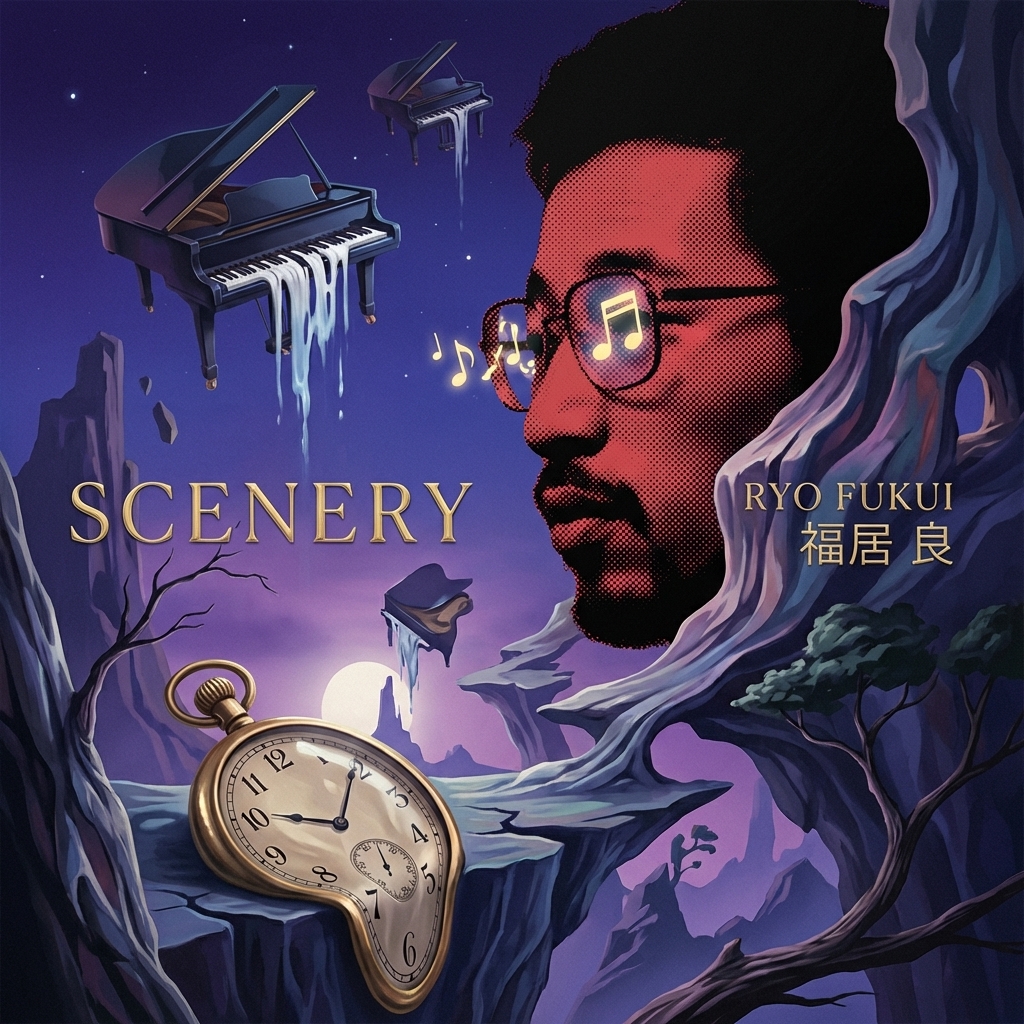
Dreamlike surreal scenes with impossible landscapes and ethereal atmosphere.

Vintage record sleeve aesthetic with warm tones and film grain texture.
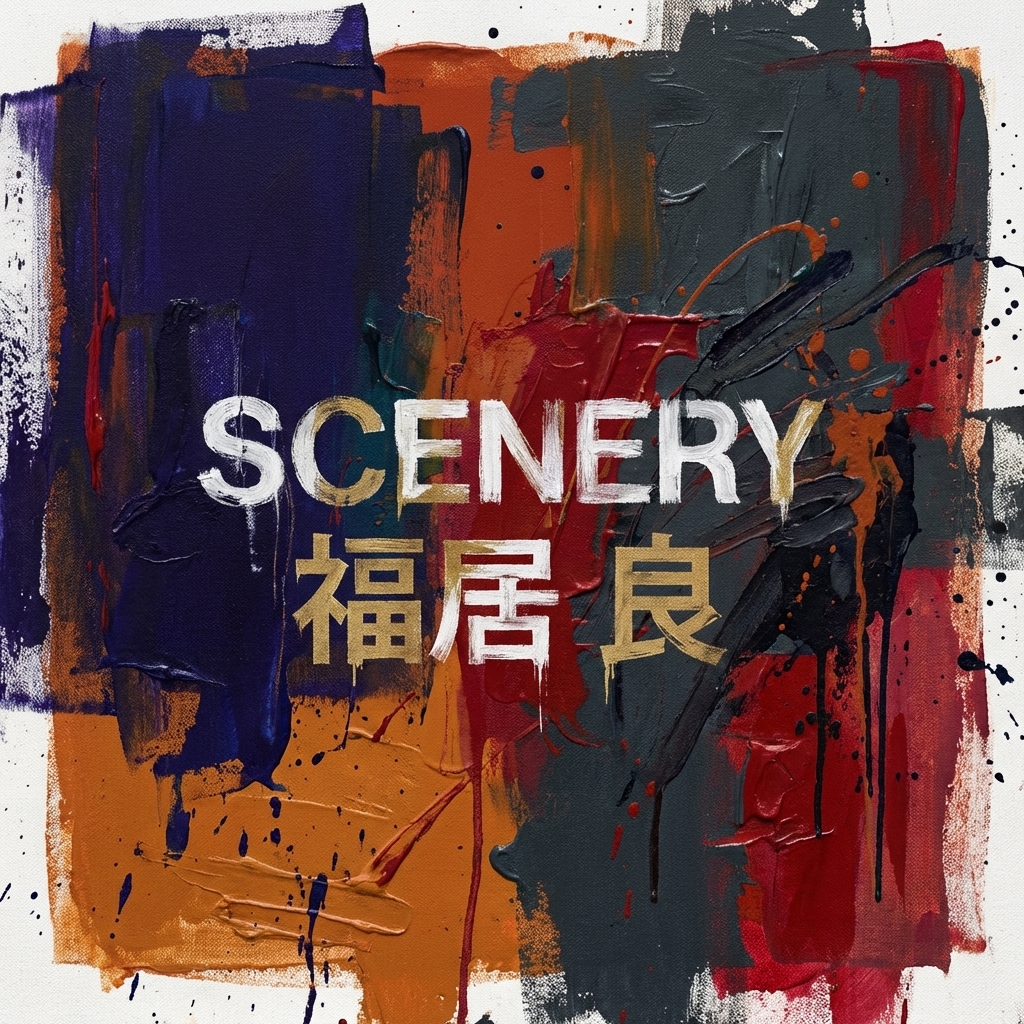
Painterly abstract art with expressive color fields and dynamic texture.
Futuristic neon-lit aesthetic with dark atmospheres and electric color accents.
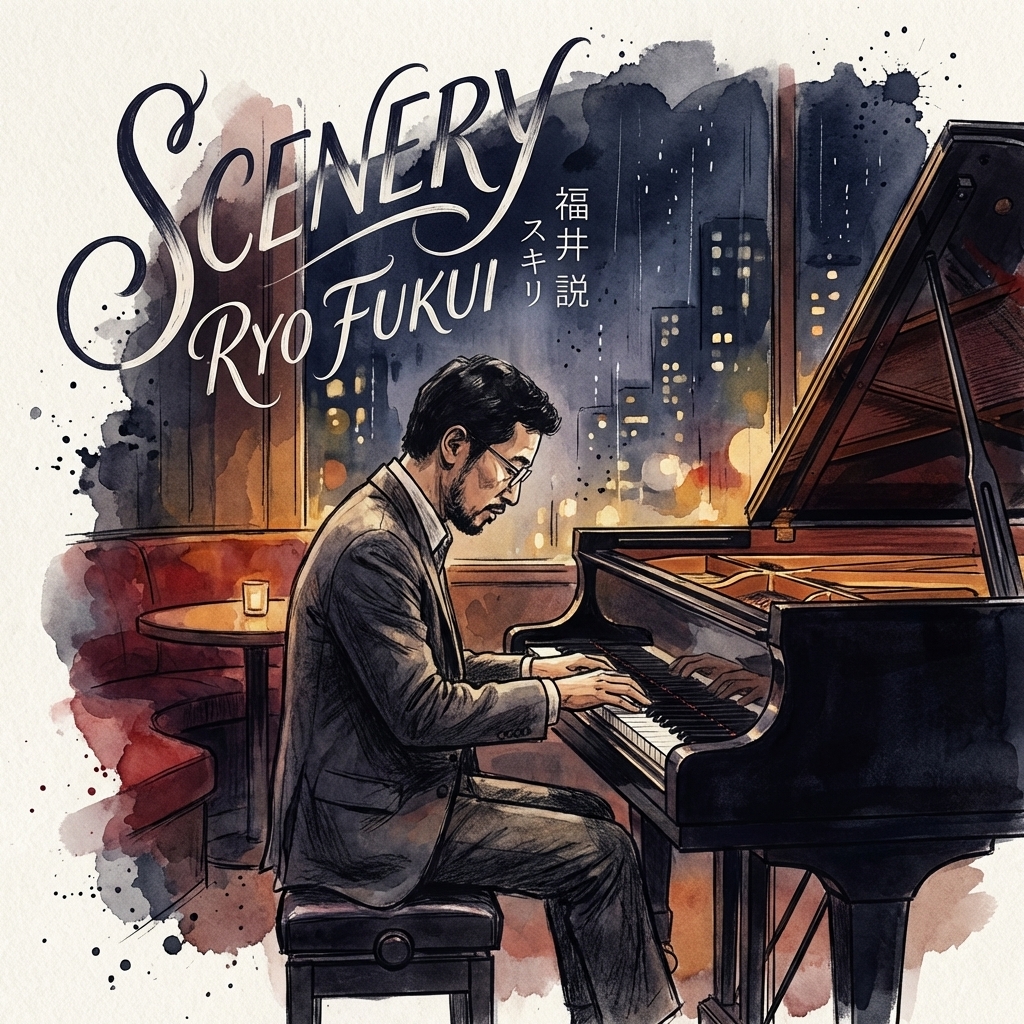
Stylized illustration portrait with artistic character and unique visual identity.
Covers
If you already have a source portrait, a target sleeve, or an existing square artwork, these related workflows may be a better fit than a fresh cover-design brief.
Turn portraits and artwork into original album cover concepts with distinct visual directions.