Feature
Mode-Based Recreation
Choose the exact recreation approach you want: portrait blend, style transfer, composite scene insertion, artistic transformation, or typography recreation.
Tribute
Choose the replica mode before you spend credits. Each template in this collection solves a different cover-recreation problem, from portrait blending and style filtering to typography-led reconstruction and composite scene insertion.
Collection
6 styles
Cost Range
4-5 credits
Plan
Creator
Best For
Photo + music context
Primary Action
Pick a replica mode
Creator plan required to use this template. See pricing
Cover Replica Collection
Replica is not one generic effect. The collection page exists so users can decide whether the job is portrait blend, style transfer, artistic reinterpretation, compositing, typography recreation, or a looser magic replica before they enter Studio.
Why This Collection Works
These templates are less about browsing aesthetic directions and more about selecting the correct transformation logic for a source portrait and a target cover. The landing page should make that selection obvious.
Feature
Choose the exact recreation approach you want: portrait blend, style transfer, composite scene insertion, artistic transformation, or typography recreation.
Feature
Use a real album cover as the visual anchor so lighting, composition, and styling stay tied to the original artwork.
Feature
Keep your uploaded portrait recognizable while adapting it to the album-cover world.
How It Works
Step 1
Use the collection page to answer a simple but critical question: do you need a face inserted into an existing sleeve, a style carried over, a scene rebuilt, or the typography logic copied? That answer determines the mode.
Step 2
Replica outputs are only as coherent as the two-reference setup. Gather a clean source image and a cover whose composition, lighting, and design language are clear before you open Studio.
Step 3
Once the mode is locked, use the corresponding Studio page so the prompt logic, cost, and input contract align with the effect you actually need.
Styles
Portrait blend, style filter, artistic redraw, composite placement, typography-driven recreation, and magic replica each have different input expectations. The detail pages help compare those expectations before Studio.
6 options

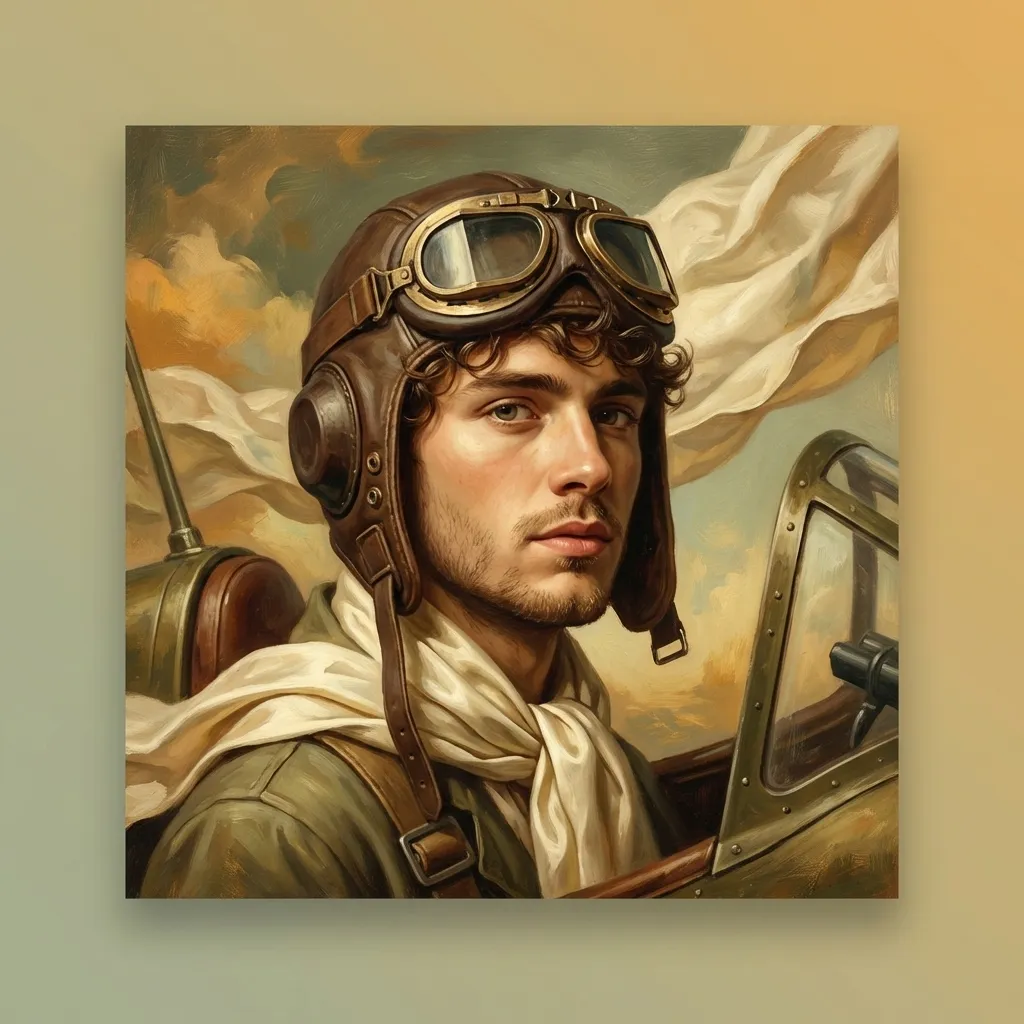
Style Page
A sleeve scene built around your portrait, in the reference's light and palette.

Style Page
Grade your photo to the reference's colour, light and mood.

Style Page
Redraw your photo in the medium the reference uses.

Style Page
Put yourself in a world that feels like that record.

Use Cases
Choose this collection when the target cover already exists and the question is how to reinterpret it with a new subject, not when you want an entirely original cover concept.
Preview Gallery
The gallery should communicate what kind of change each mode makes to the source and target references, not just show a general vibe.
Examples


