Highlight
Mode-specific recreation logic
This template is one exact recreation path inside the replica collection, which means the decision quality comes from matching the problem to the mode before Studio opens.
An environment built around you from the reference's palette, light and atmosphere. The setting is invented from that description, not lifted from a particular cover.
Creator plan required to use this template. See pricing
Collection
Cover Inspired
Cost
5 credits
Input
Upload one reference image
AI Engine
Gemini
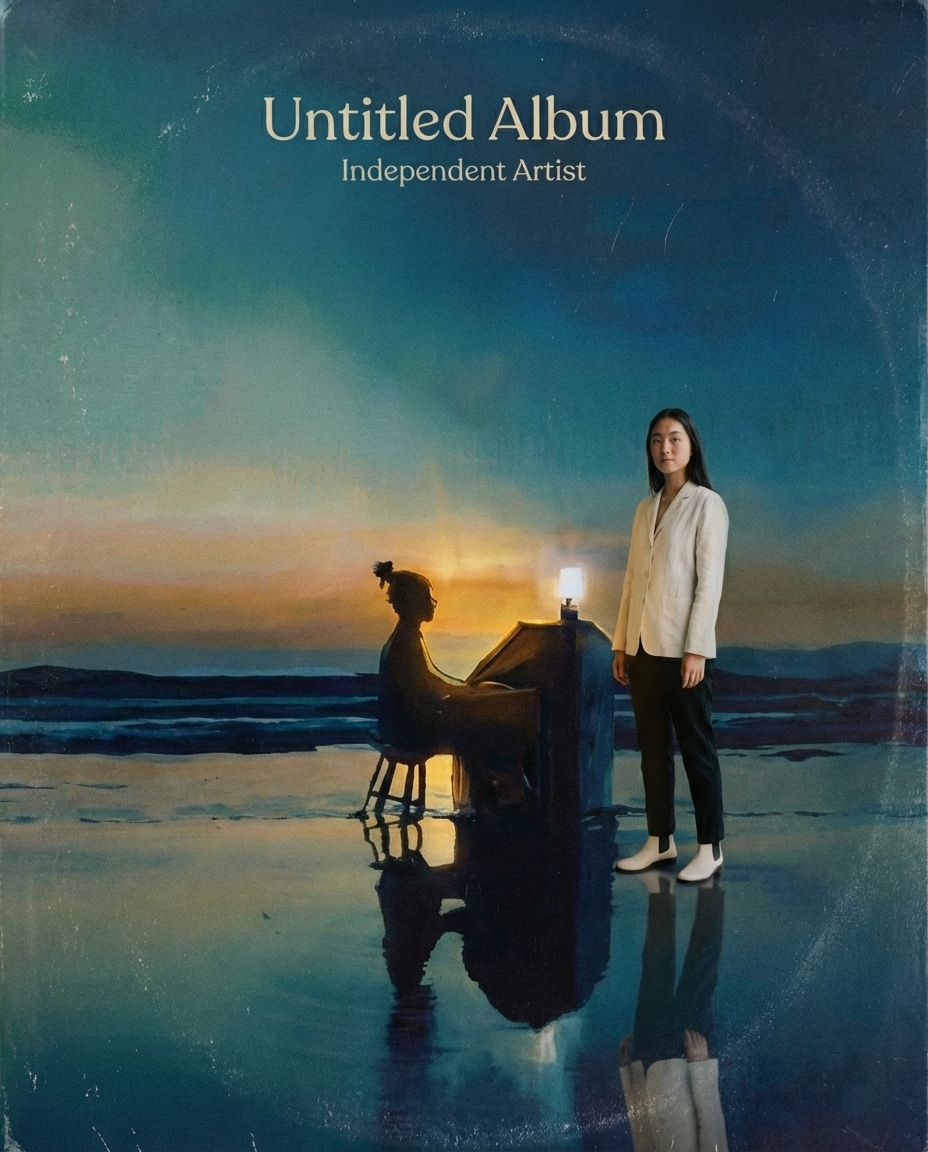
Replica Mode Preview
This detail page helps confirm whether this is the right recreation mode before you prepare the source portrait and target cover in Studio.
Why Choose This Style
These pages exist to help users choose the right transformation mechanic. A strong replica result usually comes from correct mode choice before generation, not from more prompt iteration afterward.
Highlight
This template is one exact recreation path inside the replica collection, which means the decision quality comes from matching the problem to the mode before Studio opens.
Highlight
The Studio route expects both a source image and a target album cover, so the landing page should make that input contract obvious before the user commits.
Highlight
This workflow is less open-ended than remix or cover-design. It is meant to map one person or image into the logic of a known sleeve with clearer constraints.
How To Use
Step 1
Each mode takes something different from the reference: its medium, its grading, its sense of space, or its typographic rhythm. The detail page says which is which.
Step 2
The cover is read once, into a description of its palette, light, texture and mood. It is not copied, and it never reaches the generator — so choose one whose look you want, not one you want reproduced.
Step 3
Once the mode is clear, go straight to the matching Studio page so the prompt logic and cost model line up with the effect you actually want.
Best For
Use the collection-level scenarios below as a filter for whether this mode is the correct one for the source portrait and target album cover you have in mind.
Compare the other replica modes
Portrait blend, style filter, artistic redraw, composite, typography, and magic replica are different workflows. These sibling pages are there to reduce wrong-mode clicks.
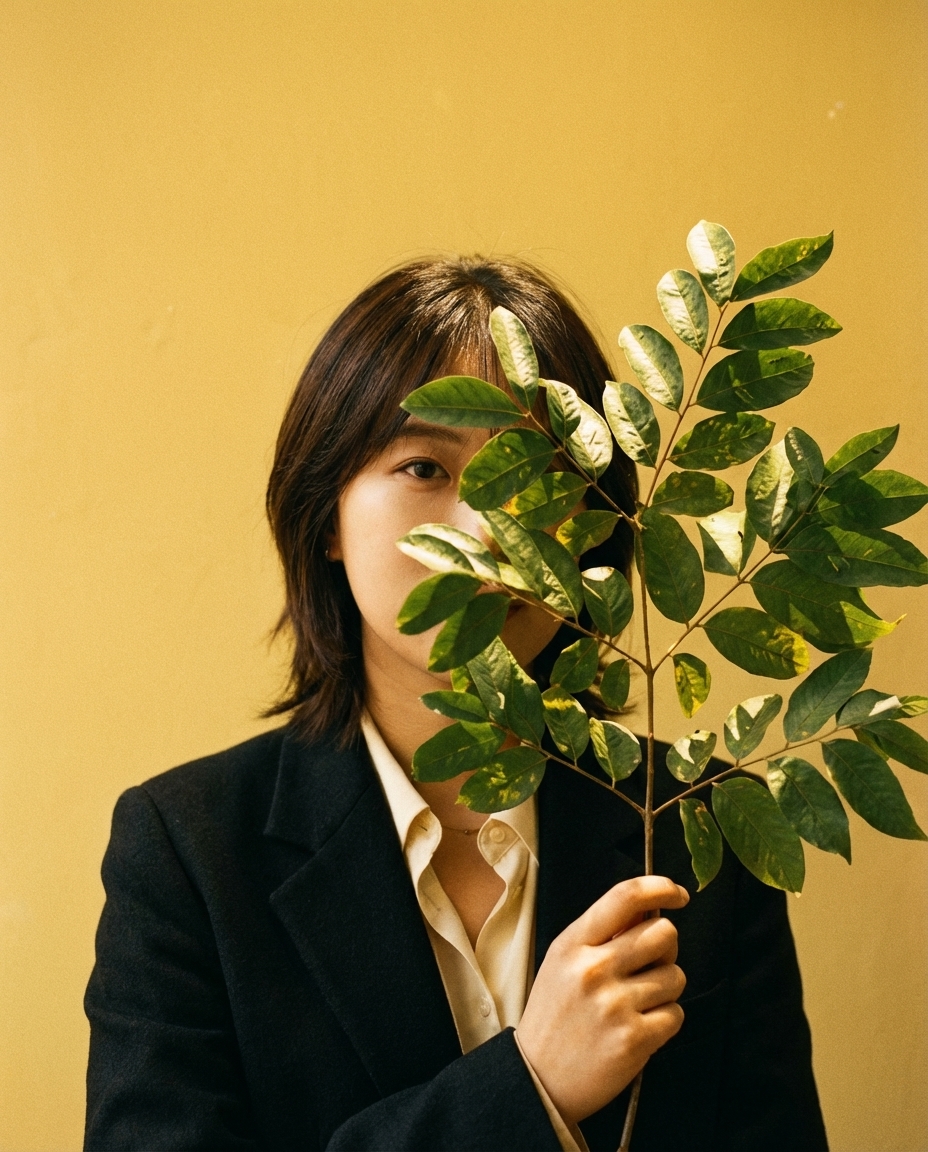
Let the look guide it, and see what comes back.
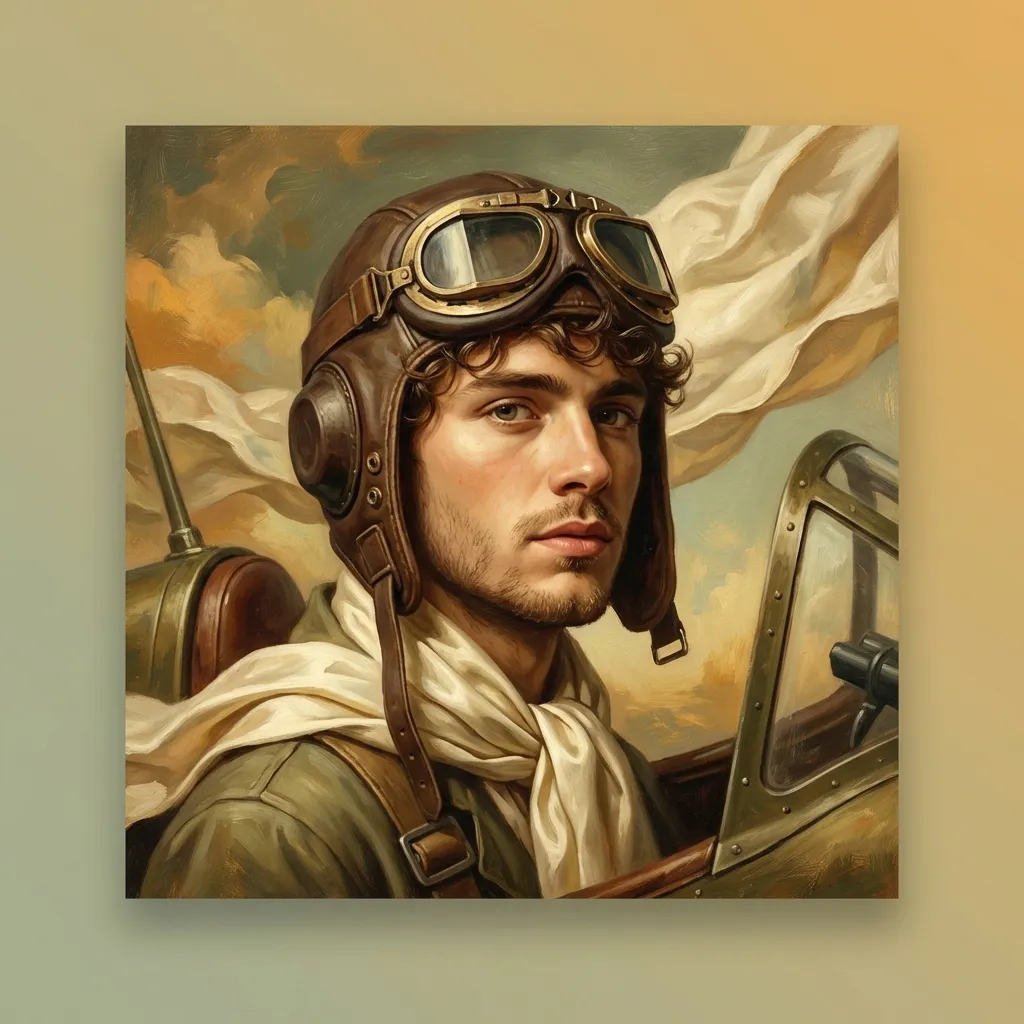
A sleeve scene built around your portrait, in the reference's light and palette.
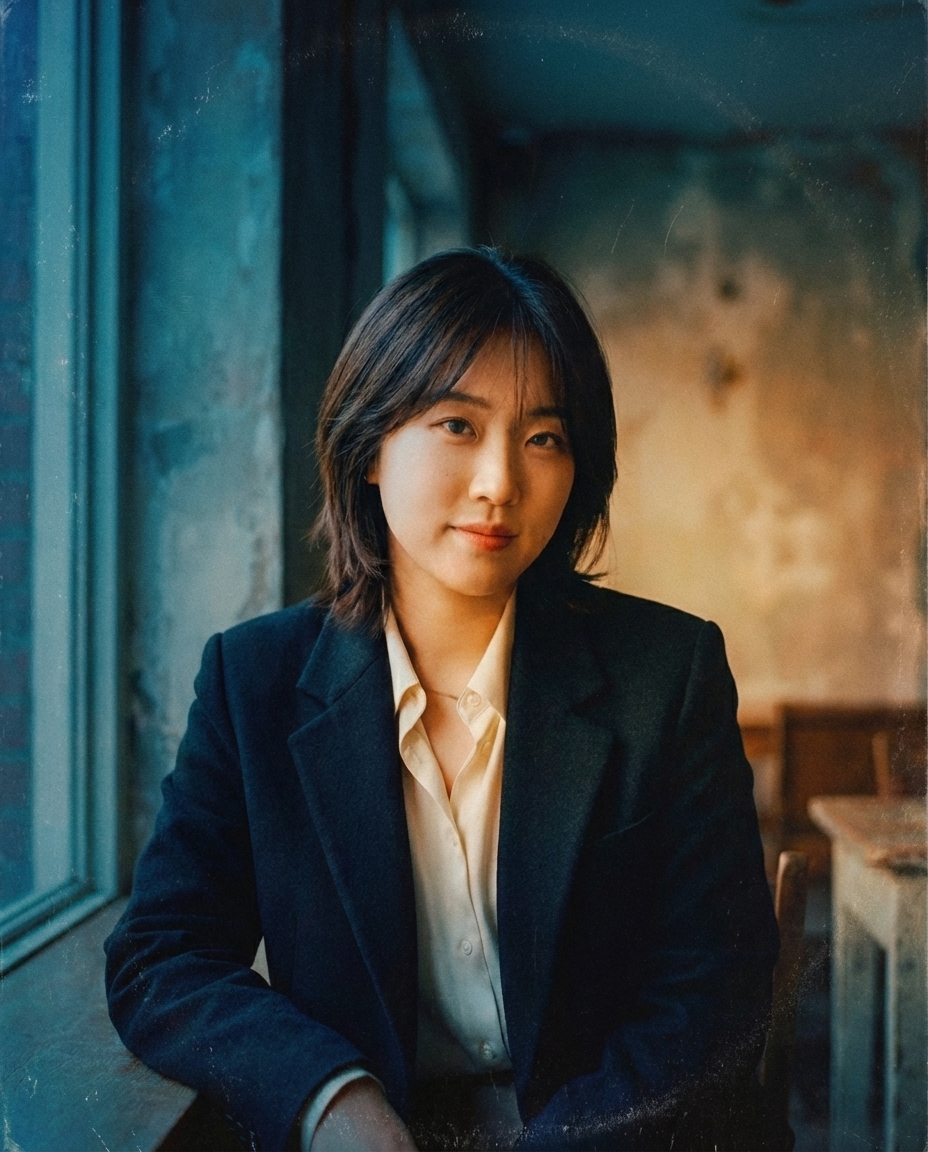
Grade your photo to the reference's colour, light and mood.
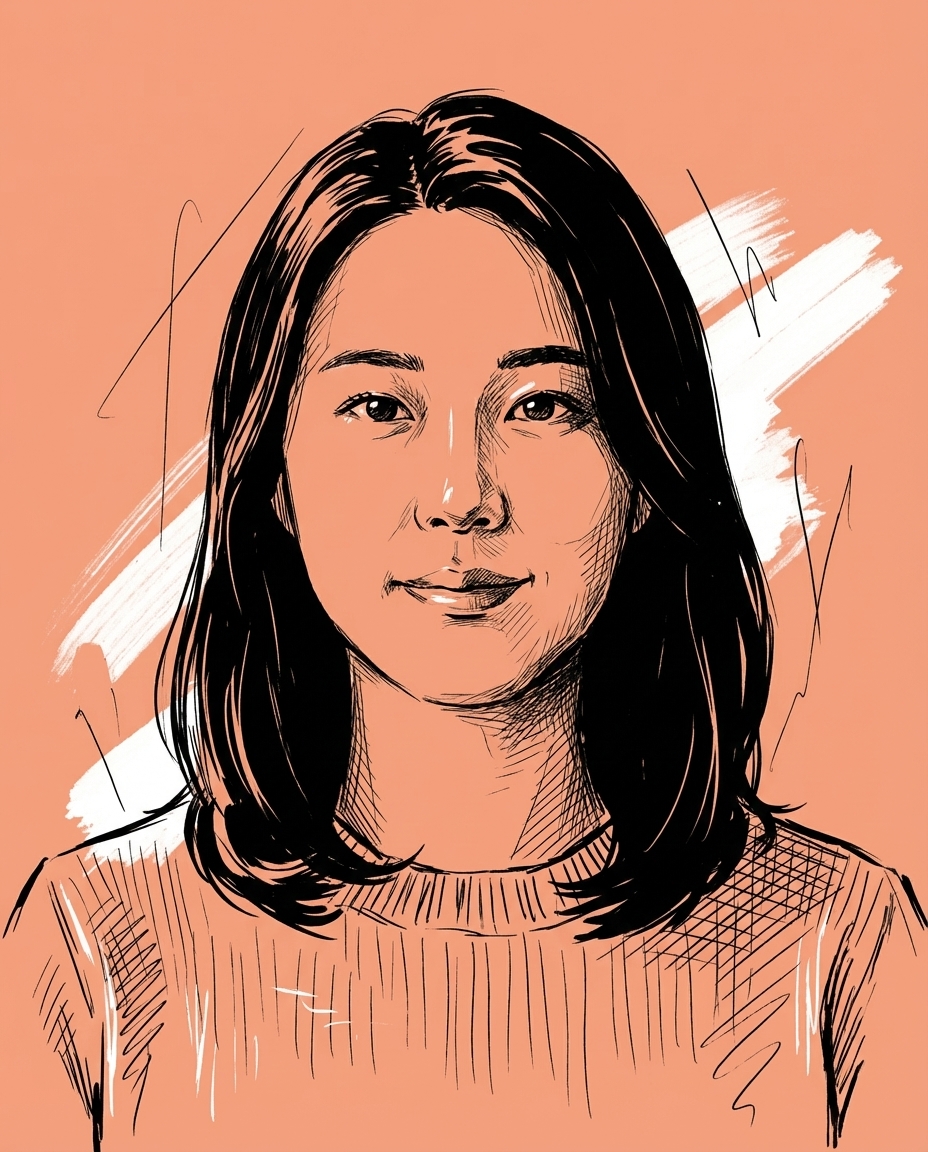
Redraw your photo in the medium the reference uses.
Put yourself in a world that feels like that record.
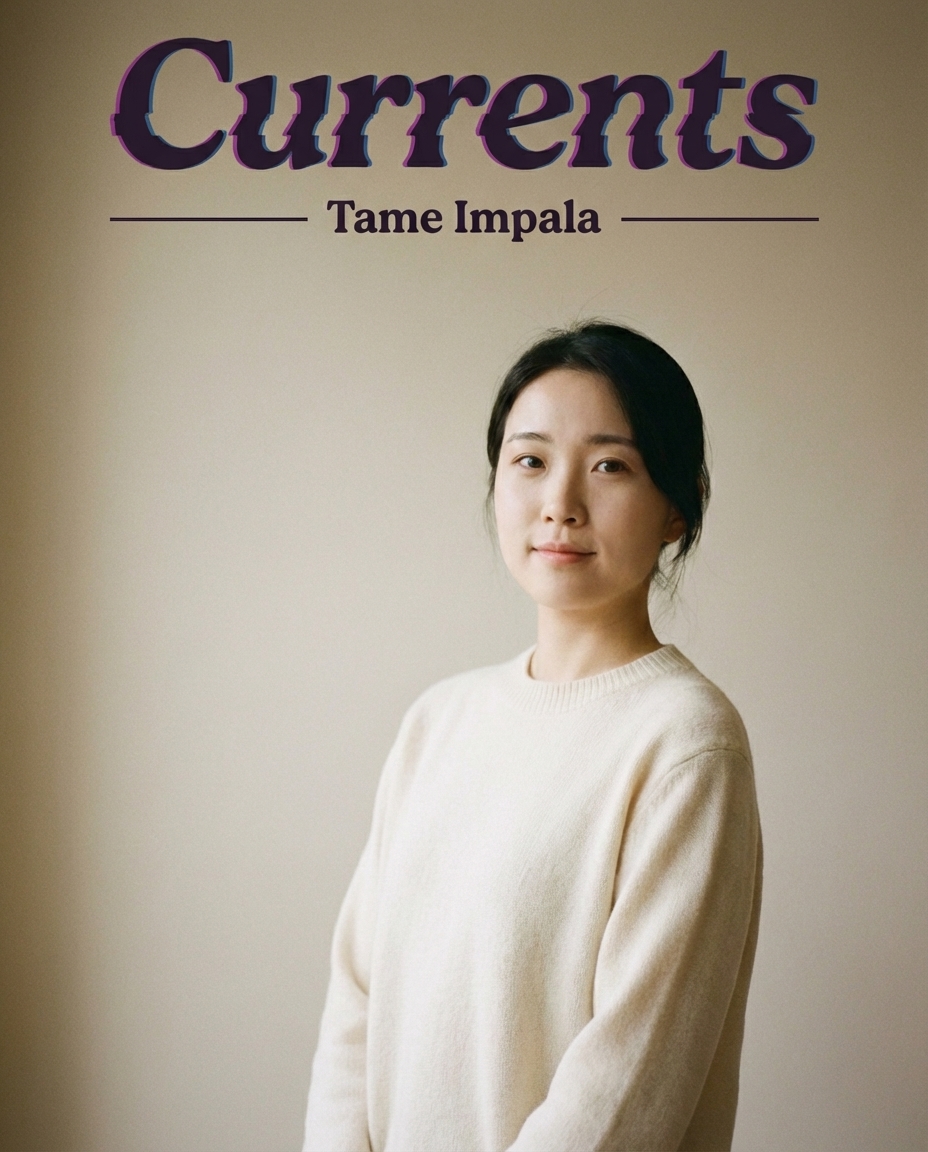
Lay your photo out like a record sleeve.