Highlight
Built from existing album art
This template belongs to a post-cover workflow. The artwork already exists; the job is to translate it into a new canvas rather than redesign the sleeve from scratch.
Expand the original cover into a wallpaper while preserving its visual language and composition.
Creator plan required to use this template. See pricing
Collection
Cover Wallpaper
Cost
2 credits
Input
Start from track / album
AI Engine
Gemini

Wallpaper Preview
Use this detail page to decide whether this route should extend the original art closely or push it into a more atmospheric wallpaper treatment before you generate.
Why Choose This Style
The important decision here is how the original square artwork should behave on a larger canvas. This page should make that behavior clear before Studio opens.
Highlight
This template belongs to a post-cover workflow. The artwork already exists; the job is to translate it into a new canvas rather than redesign the sleeve from scratch.
Highlight
Wallpaper generation gets stronger when the target canvas is known in advance, which is why the landing page emphasizes ratio choice before Studio.
Highlight
Sibling wallpaper styles differ by how they treat the original cover art on a wider canvas, making the comparison step genuinely useful before generation.
How To Use
Step 1
Use the style detail pages to decide whether the cover should be expanded faithfully or placed into a more atmospheric scene-led wallpaper treatment.
Step 2
Phone and desktop outputs want different compositions. Decide the target canvas before you open Studio so the wallpaper prompt can stay intentional.
Step 3
Once the cover, style, and ratio are set, Studio becomes a focused output step instead of a place to figure out what kind of wallpaper you want.
Best For
These collection-level use cases help judge whether this style is right for a phone lock screen, desktop background, promo backdrop, or other cover-extension scenario.
Compare the other wallpaper treatment
The sibling pages explain when to keep the cover language faithful and when to move into a more scene-led environment. Use them to compare before rendering.
Expand the original cover into a wallpaper while preserving its visual language and composition.
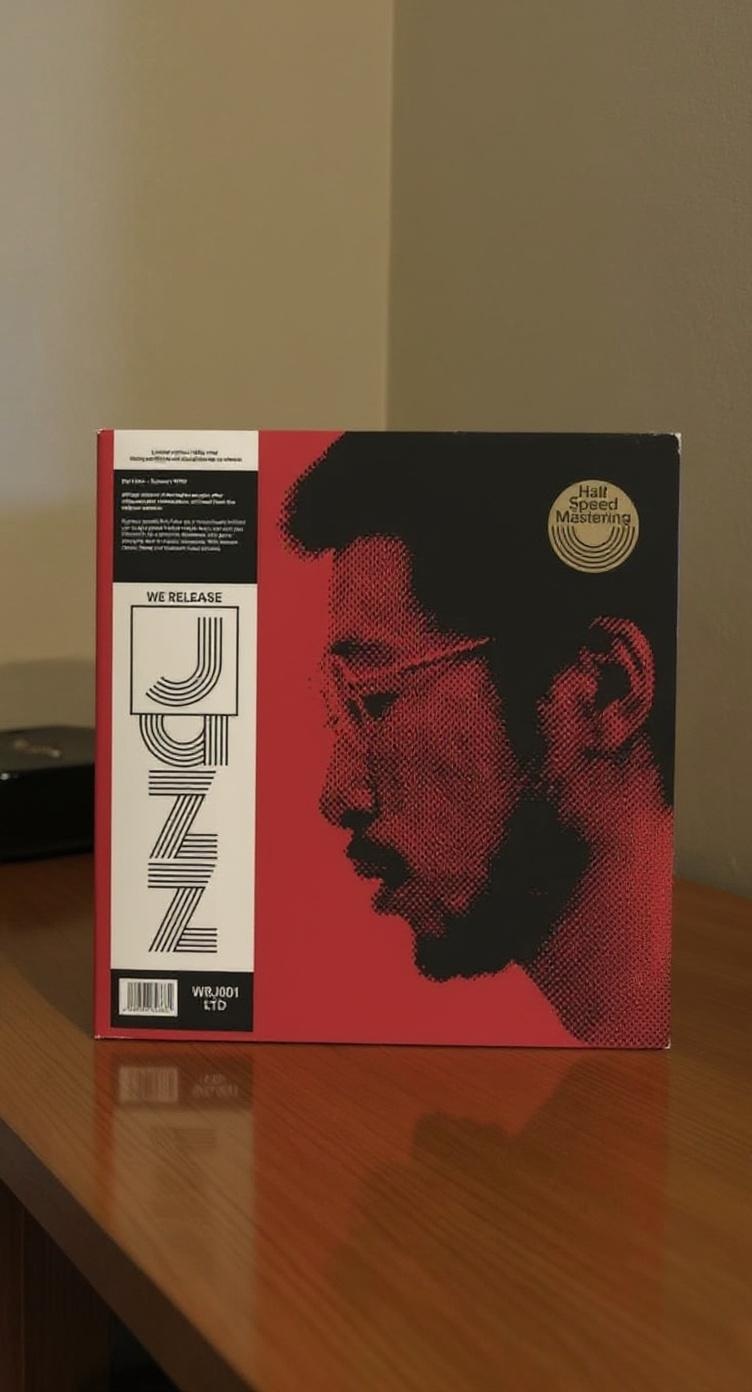
Place the cover inside a styled environment with depth, surfaces, and atmosphere.
Objects
If the square cover itself still needs work, or if you actually need a share post or replica workflow, these related landing pages are the next better places to go.
Share your favorite music with beautifully styled album cover templates.