How to make a music video from a Suno song
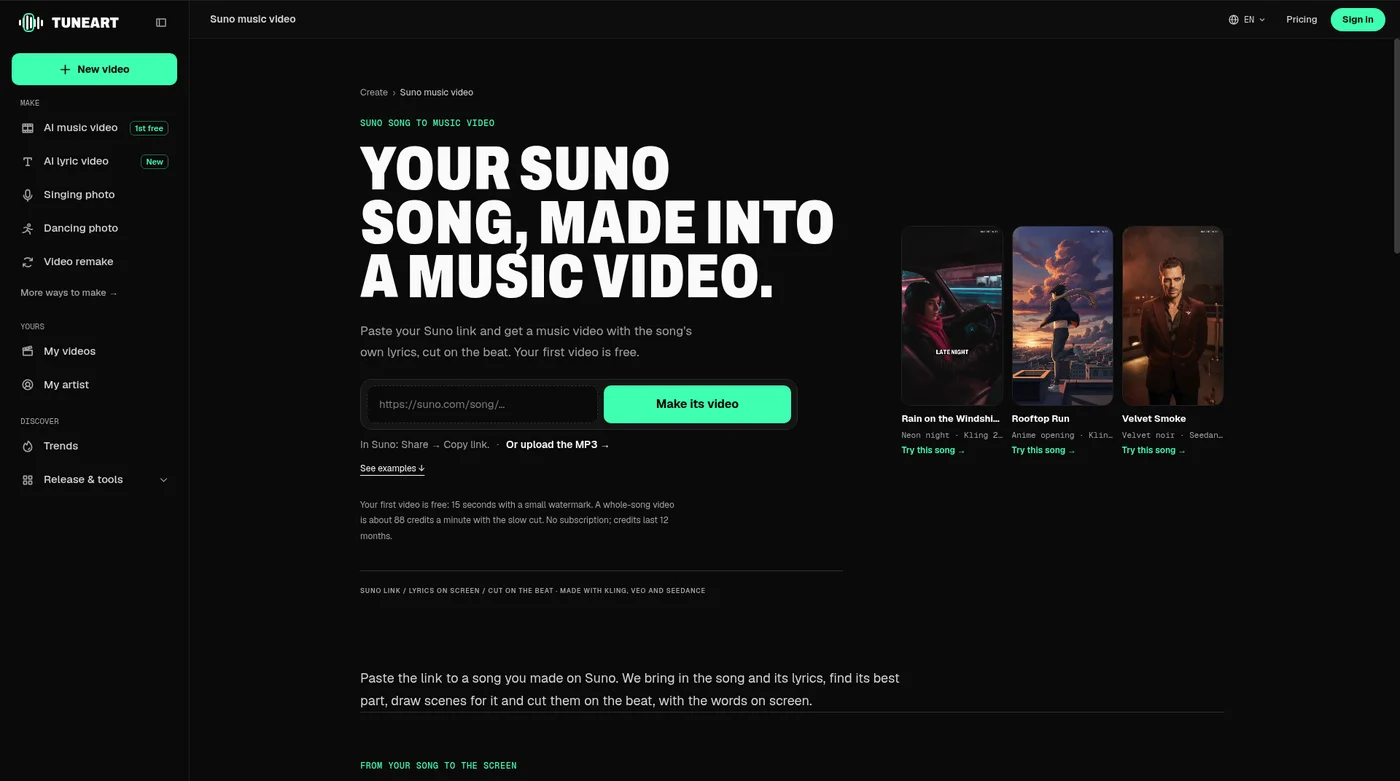
Copy the song's link in Suno, paste it into TuneArt and press Make its video. The song and its lyrics come in, and you get scenes cut on the beat with the words on screen. Your first 15-second video is free.
Make a video from your Suno song →What you need
- A song you made on Suno, either its public share link or the audio file (MP3, WAV or M4A).
- Optionally, an idea for the visuals (a mood, a place, a story) and a photo of yourself or your cover art.
- A free TuneArt account. You can set everything up before signing in; your song stays on your device until you press Generate.
Step by step
- Copy the link in SunoOpen the song on Suno, press Share, then Copy link. A suno.com/song/… or a short suno.com/s/… link both work. The song has to be public: the link must open for someone who isn't signed in to your account.
- Paste it on TuneArtGo to the Suno music video page, paste the link and press Make its video. If the song is private, or the link can't be read, download the MP3 from Suno and choose Or upload the MP3 instead; it works the same.
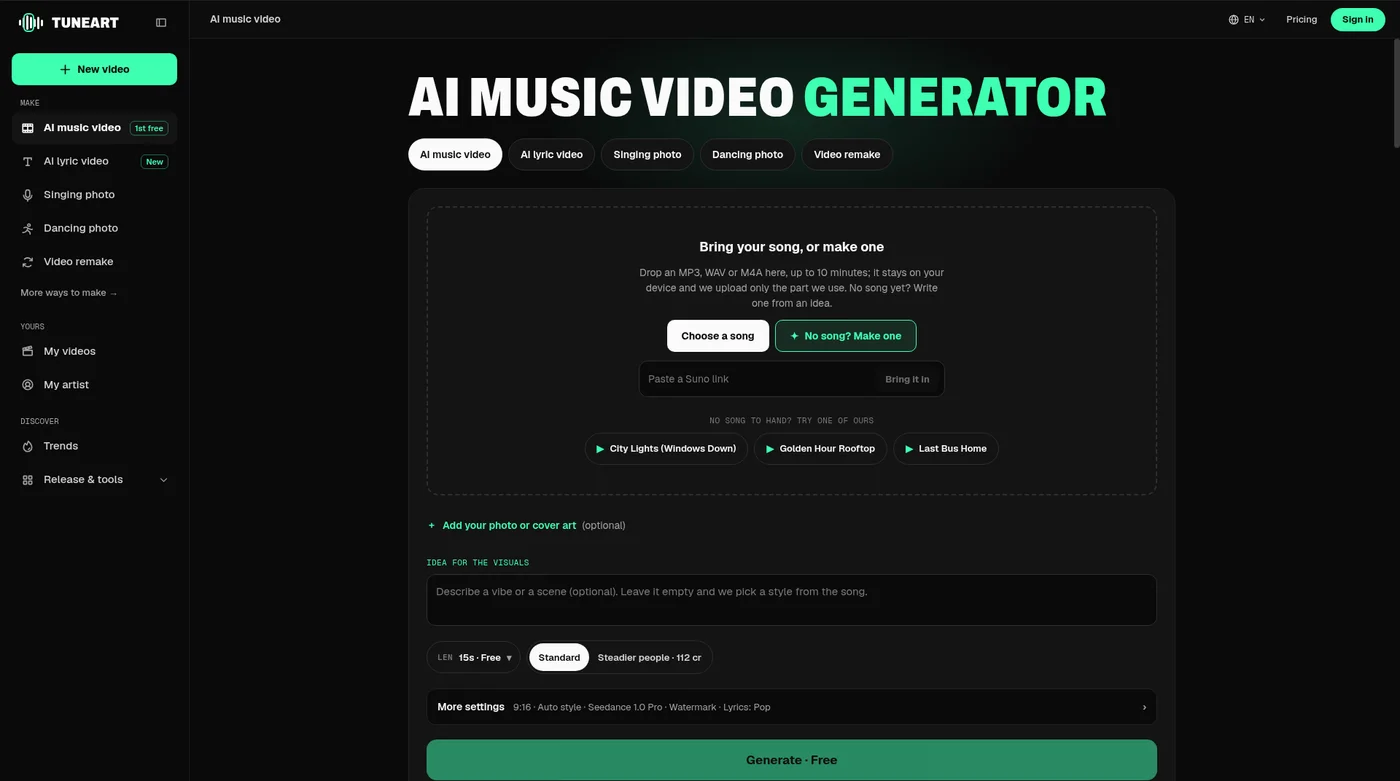
- Pick the lengthTuneArt brings in the song and its lyrics, with their verses and choruses, and finds the best 15 seconds. Keep that for TikTok, Reels and Shorts, choose 30 seconds, or make the whole song (1 to 4 minutes) for YouTube.
- Pick a look and add an idea (optional)Leave the idea empty and the visuals come from the song, or describe a scene. Choose one of the looks, or Auto. You can add your photo so you appear in the shots.
- GenerateThe price is on the Generate button before you start; your first 15-second video is free. A short video usually takes five to ten minutes and a whole song 15 to 30. You can close the tab; you get an email when it's ready.
What you get
- AI scenes drawn in the look you chose, animated and cut on the beat of the song.
- The song's own lyrics on screen, timed to the singing. Suno pages carry the lyrics, so you don't type them; you can turn them off or pick another lyric style.
- A vertical 9:16 video for short clips, or 16:9 for a whole-song video, with square and wide versions one click away.
- From a finished video, a free release kit: vertical teasers of the chorus, a release-day promo and a Spotify Canvas loop.
What it costs
| Length | Credits |
|---|---|
| 15 seconds (your first one) | Free, with a small watermark |
| 15 seconds | 40 |
| 30 seconds | 52 |
| Whole song, every shot moving | About 88 a minute (166 for two minutes, 328 for four) |
| Whole song, Lite (mostly still images) | About 34 a minute |
Your first whole song is half price. Credits come in one-off packs that last 12 months, the smallest 50 credits for $4.99; there is no subscription. A shot that can't be made isn't charged, and taking the watermark off your free video is 20 credits. Current packs are on the pricing page.
Can you post it and earn from it?
The video TuneArt makes is yours to post. Whether you can use the song itself commercially depends on your Suno plan and Suno's terms, so check those before you monetise it. TuneArt is not part of Suno; it reads the public song page you give it.
Questions
- How do I make a music video from a Suno song?
- Copy the song's link in Suno (Share, then Copy link), paste it on TuneArt's Suno music video page and press Make its video. Choose the length and the look, then Generate. You can also download the MP3 from Suno and upload it.
- Does my Suno song have to be public?
- For the link, yes: it has to open for someone who isn't signed in. If it's private, download the audio from Suno and upload the file instead.
- Is it free?
- Your first video is free: 15 seconds on standard quality with a small watermark. After that a 15-second video is 40 credits and a whole song about 88 credits a minute, shown on the button before you start.
- Do the lyrics come with the Suno link?
- Yes. They come in with the song and are timed to the singing on screen. You can turn them off or choose another lyric style.
- Can I make a video of the whole Suno song?
- Yes, 1 to 4 minutes, planned by the song's sections as one story. See the guide to choosing between the whole song and a chorus clip.
Your first video is free.
15 seconds of your song, cut on the beat with the lyrics on screen, with a small watermark. No card.
Make a video from your Suno song →